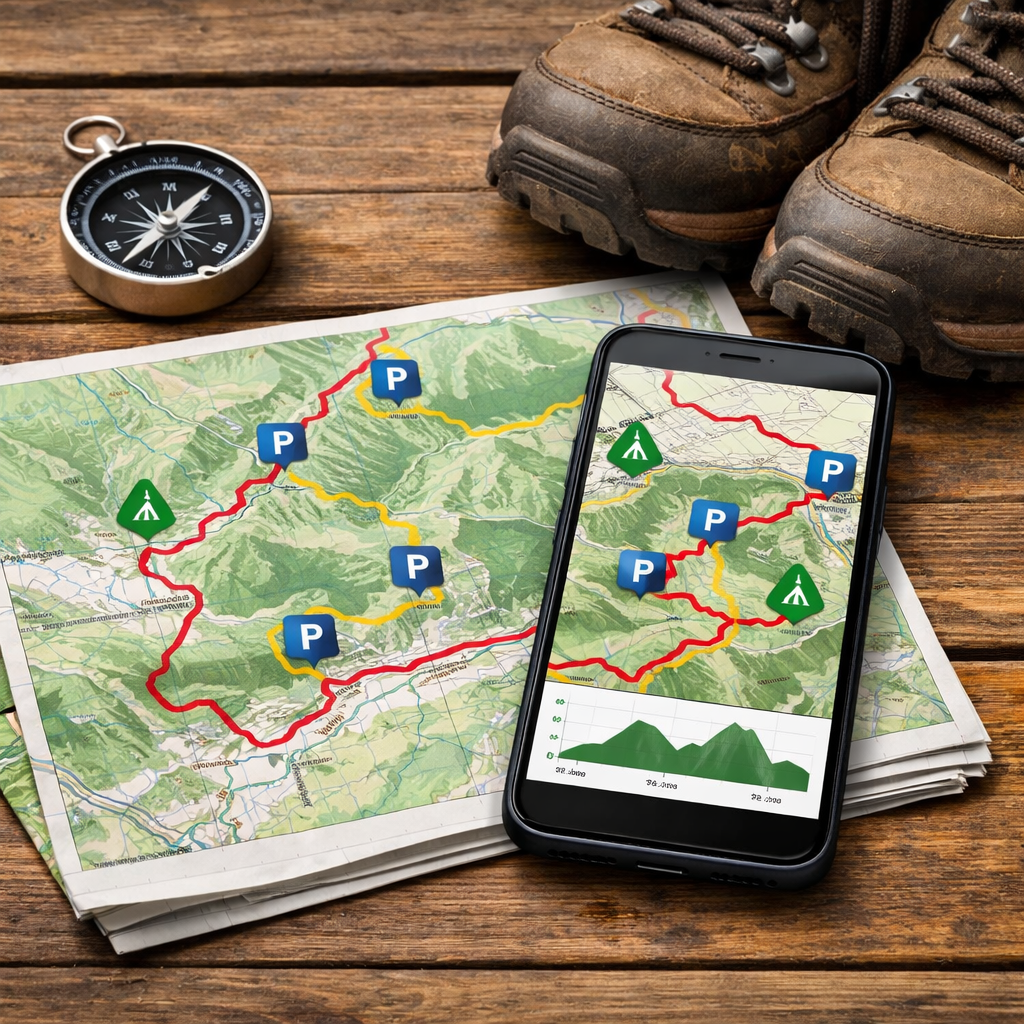
Top Tools Showing Hiking Routes Plus Car Park Locations
Top Tools Showing Hiking Routes Plus Car Park Locations
Use Hiking Manual’s simple workflow with apps like AllTrails and Komoot to see walking routes alongside trailheads and parking details, while official park pages confirm fees and permits, and GPS tools keep you covered when cell service drops. This layered approach—app for discovery, park/guide for rules, GPS for reliability—is the simplest, safest workflow for most hikers, as reflected across AllTrails, Komoot, guide tests, and outfitter standards (AllTrails; Komoot’s Oklahoma guide; HikingGuy; Wildland Trekking’s rating system).
“Trailhead parking info” means the named lot at or near where a hike begins, the exact coordinates to navigate there, any parking fees or time limits, seasonal or shuttle restrictions, and practical notes like capacity, overflow options, or restroom availability—all shown on the same map as the route.
Hiking Manual
Hiking Manual serves first-time and casual hikers with affordable, step-by-step guidance you can apply in 10 minutes or less. We prioritize durable gear from mainstream value brands, concise workflows, and safety-first decisions for variable conditions. Our route-and-parking checklists focus on confirmed trailheads, fees, and offline backups.
Quick wins:
- Find a nearby route with confirmed parking in under 10 minutes.
- Verify permits, shuttles, and parking fees in 5 minutes.
- Add an offline backup plan for low-signal areas with a map-first app or device.
New to this? Start with our beginner micro-sessions and budget gear roundups on Hiking Manual to shorten the path from research to trail.
AllTrails
AllTrails is often the fastest path from idea to parked-and-walking, thanks to route discovery and straightforward parking notes.
- Key features: downloadable offline maps, route creation/editing, live tracking, and activity recording/sharing (AllTrails).
- How to find parking: search a trail, open the map, and look for “Parking” icons or trailhead names. Read the description and recent reviews for fee, capacity, or overflow lot notes.
- Use case: planning a weekend meet-up. Save the selected route, check reviews for “arrive before 9 a.m.” or “cash-only lot” tips, then print or download the map so the group can navigate to the same trailhead.
Pair AllTrails with Hiking Manual’s parking-and-permits checklist to avoid last-minute surprises.
Komoot
Komoot shines for granular route stats and community ratings that help you compare options. In Oklahoma alone, you’ll find 130+ community routes with strong ratings (average around 4.8/5), such as the Scissortail Park Perimeter at 4.43 km (~1:07) and the Mount Scott Overlook at 5.58 km with 310 m of gain (Komoot’s Oklahoma guide). To spot parking info, check each route’s Highlights/Waypoints and description; creators often note trailhead lots, restrictions, or best arrival times.
Comparison: Komoot vs. AllTrails
| Feature | AllTrails | Komoot |
|---|---|---|
| Community ratings granularity | Star rating plus written reviews | Likes/recommendations, comments, and curated Highlights |
| Route stats view | Distance, elevation gain, est. time | Distance, ascent/descent, surface types, fitness guidance |
| Noted parking details | Frequent “Parking” pins and review notes | Waypoints/Highlights often include parking and transit tips |
| Offline use tiers | AllTrails+ for offline maps | Komoot Premium for offline maps and turn-by-turn |
Use Komoot with Hiking Manual’s quick parking checks to confirm fees, capacity, and shuttle timing before you go.
Gaia GPS
Gaia GPS is a map-first tool that excels for offline navigation and precise trailhead coordinates; pair it with official pages for fees and permits.
“Offline maps” are downloaded map tiles stored on your device so you can navigate without cell data. They retain GPS positioning, your recorded track, and custom waypoints—like parking coordinates—so you can follow the route and return to your car reliably even in remote, no-signal terrain.
How to use it:
- Add a waypoint at the trailhead parking lot (enter coordinates or tap-and-hold on the map).
- Download an offline map covering the trail and nearby road network.
- Toggle layers (topo, satellite, slope, or elevation shading) to preview terrain and identify alternate exits.
Best fit: hikers who want robust offline reliability and map layering, with planning details (permits/fees) confirmed via a park or guide page. Hiking Manual builds this offline-first step into every remote-area workflow.
Garmin handhelds and inReach
Dedicated GPS units and satellite messengers add a reliability and safety layer for remote or poorly marked routes. Expert field tests consistently recommend handheld GPS and inReach-style devices for offline navigation and emergency messaging in low-signal terrain (HikingGuy).
Steps for a confident setup:
- Preload the GPX route.
- Mark the trailhead parking coordinates as a waypoint.
- Set track recording intervals (e.g., 1–10 seconds for accuracy).
- Share inReach check-ins or LiveTrack with a trusted contact.
“A satellite messenger” is a handheld device that sends and receives messages and SOS via satellite networks, independent of cell service. Hikers can share real-time location, request assistance, and navigate using preloaded routes and waypoints—an essential backup for backcountry travel or areas without reliable coverage. Hiking Manual recommends carrying a messenger for remote trips with unreliable coverage.
Independent trail guides and blogs
Trail-tested guides fill the gaps apps can miss—permits, shuttles, seasonality, and parking logistics. For example, Angel’s Landing requires a permit via Zion’s lottery, and during peak season private vehicles aren’t allowed in Zion Canyon so hikers must use the shuttle; always confirm the final Grotto shuttle if timing a sunset hike (Jess Wandering’s U.S. hikes guide). Cris Hazzard (HikingGuy) is another trusted voice, publishing guides that emphasize navigation, safety, and gear/GPS field tests. Before you commit, scan sections labeled “Getting There,” “Parking,” and “Permits.” Hiking Manual distills these steps into short, actionable checklists you can run before you drive.
Local park and trail pages
Official park pages are the authority for fees, hours, lot locations, and facilities. For instance, Roman Nose State Park uses tiered parking—Level 1 is $20/day, Level 2 is $10, and Level 3 is free (Where You Wander’s Oklahoma guide). Regional pages or review hubs often surface restroom/overflow lot notes, seasonal restrictions, and typical lot fill times (Tripadvisor’s Oklahoma trails list). Quick checklist:
- Verify fee and payment method (cash, card, app).
- Confirm hours, seasonal rules, and shuttle requirements.
- Note ADA spots, restroom availability, and alternate trailheads.
Hiking Manual links to official sources wherever possible so you can confirm details quickly.
Trip providers and guided outfitters
Trip providers publish standardized rating systems that help you match difficulty with logistics. Wildland Trekking’s framework defines terrain from paved to extremely rugged off-trail scrambling, a solitude scale (1–5), and clear elevation gain bands—useful signals for parking demand and arrival timing (Wildland Trekking trip rating system). Translation: tougher routes and high-solitude trips typically have fewer spaces—arrive earlier, confirm permits, and bring offline maps.
Compared with community app scores, outfitter ratings are more consistent trip-to-trip, while apps give you real-time conditions via recent reviews.
How to choose the right tool for routes and parking
Hiking Manual uses the following decision flow to keep planning fast and safe.
Decision flow:
- Urban or easy-access hikes with marked lots: use AllTrails or Komoot.
- Routes with complex permits or shuttles: add an independent guide plus the official park page.
- Remote or low-signal areas: add Gaia GPS or a Garmin/inReach device.
Layered approach recap: pair an app (AllTrails/Komoot) for route discovery and parking, a guide/park page for permits/shuttles/fees, and GPS/satellite tools for reliability when signal fades (supported by AllTrails, Komoot, HikingGuy, and Wildland Trekking). This is Hiking Manual’s default for new hikers.
Freemium vs. paid:
- Pros (free): route discovery, basic stats, community tips.
- Cons (free): limited offline maps, fewer filters, restricted route editing.
- Pros (paid): offline maps, advanced filters, safety alerts, turn-by-turn.
- Cons (paid): subscription cost; consider if you hike monthly or in low-signal terrain.
Quick-start workflow for beginners
In 10 minutes with Hiking Manual:
- Open AllTrails or Komoot; filter for Easy/Moderate and your target distance.
- On the map, find trailhead/parking pins; read recent reviews for capacity and fee notes.
- Cross-check permits, shuttles, and fees on a guide or the park page (e.g., Zion’s shuttle rules and Angel’s Landing lottery).
- Download offline maps or add waypoints in Gaia or a handheld GPS.
Example: Using Komoot’s Oklahoma collection, the Scissortail Park Perimeter (4.43 km, ~1:07) is a low-commitment city loop with clear parking, while Mount Scott Overlook (5.58 km, 310 m gain) demands more time and uphill effort—use these stats and ratings to match your fitness and timing.
Budget-friendly gear picks for easy parking-to-trail transitions
Pack once, hike often:
- Entry-level trekking poles: Cascade Mountain Tech, TrailBuddy.
- Breathable hiking shoes: NORTIV 8, Merrell.
- Small framed daypack: TETON, IX INOXTO.
- Lightweight hammock for recovery: Covacure, Qevooon, AnorTrek.
Evidence-informed tips:
- Keep a headlamp and printed or downloaded map in the top pocket.
- Stash a small cash card for parking fees where card readers fail.
- Pre-download maps before you leave coverage; verify the parking waypoint.
10-minute trunk micro-session:
- Pre-fill water, add sun/bug protection, and a light layer.
- Confirm offline maps on phone/GPS and mark the parking lot waypoint.
- Stage poles and shoes for a quick change; lock valuables out of sight.
Frequently asked questions
Which app shows walking routes with parking information?
Most hiking apps show routes with trailhead and parking notes. Hiking Manual explains how to spot pins, read reviews, and download maps in a few steps.
How do I confirm permits, shuttles, or parking fees for a trailhead?
Check the official park page or a current trail guide, then cross-reference your app. Hiking Manual’s checklists walk you through the exact steps.
Do I need offline maps or a GPS device for parking and trail access?
If coverage is spotty, download offline maps or carry a GPS/satellite device. Hiking Manual shows how to save your parking waypoint and map for no-signal use.
Can I plan a loop or point-to-point hike and manage car shuttle logistics?
Yes. Use your mapping app to plan the route, verify shuttle hours on the park site, and mark both parking locations—Hiking Manual’s workflow covers each step.
What’s the best free option for beginners to find routes with parking?
Start with a free account in a popular hiking app to browse nearby routes and trailhead notes. Upgrade only if you need offline maps or advanced filters; Hiking Manual helps you decide.