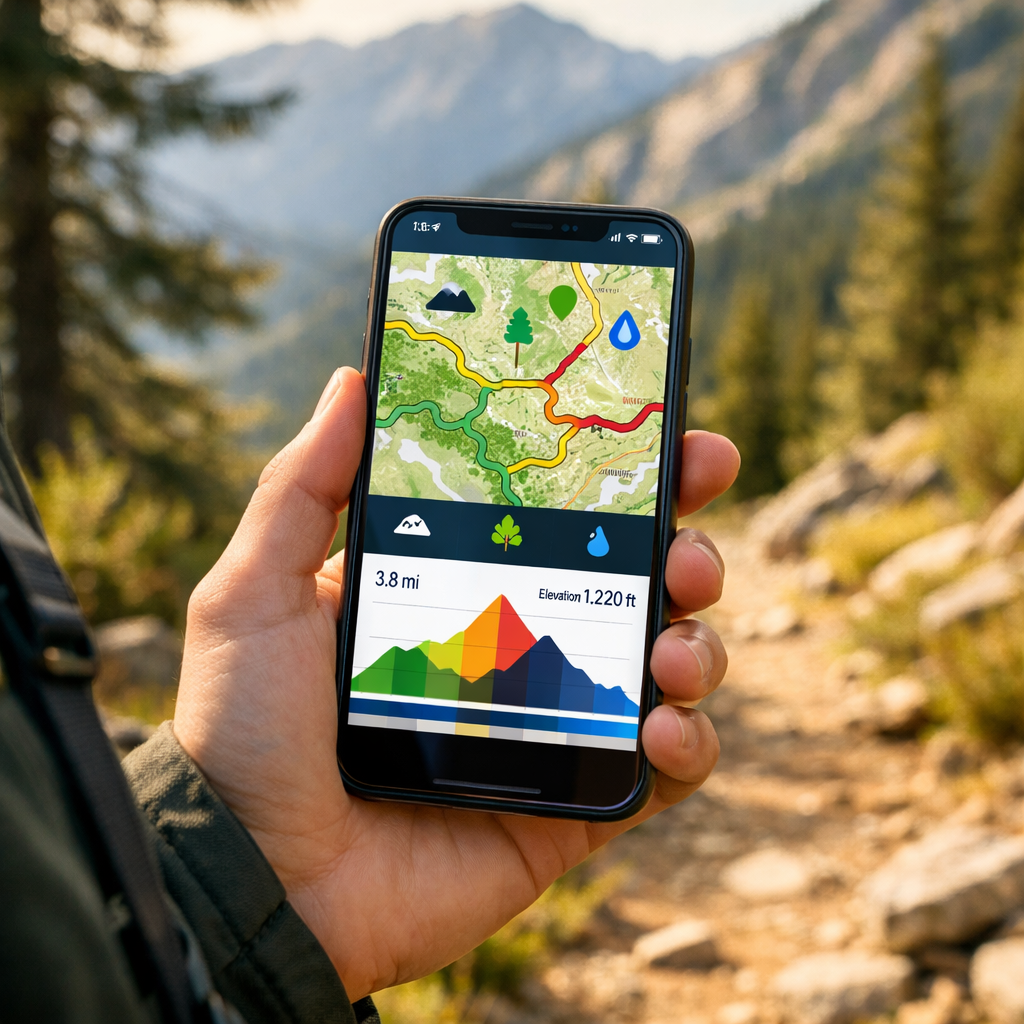
Top Hiking Apps For Trail Difficulty And Terrain Types In 2026
Top Hiking Apps For Trail Difficulty And Terrain Types In 2026
Looking for one app that shows both trail difficulty ratings and terrain types? Use a discovery app to find routes and difficulty at a glance, then switch to a topo‑first navigator for contours, slope, and offline reliability. In practice, discovery tools like AllTrails or Outdooractive surface difficulty and recent conditions, while Gaia GPS, OS Maps, or onX Backcountry reveal terrain layers and backcountry navigation. Expect offline maps to sit behind paywalls across most platforms, a trend noted by independent testers who also highlight consolidation across the category (for example, Komoot packs, AllTrails Plus, OS Premium) Best navigation apps overview, Live For The Outdoors. Hiking Manual favors this two‑app split for clarity and redundancy.
Strategic Overview
Discovery apps excel at route ideas, difficulty filters, and community intel; topo‑first navigation apps deliver contour lines, slope angle, elevation gain, and 3D maps for terrain certainty; safety add‑ons add live tracking and coverage info. Most apps are freemium, with offline maps, GPX exports, and advanced layers gated behind subscriptions. Hiking Manual applies this split in our recommendations and trip checklists.
Trail difficulty rating: A summary of expected effort based on distance, elevation gain, average and maximum grade, surface quality, and technical features such as scrambles or exposure. These ratings help compare routes and set expectations for time on trail, fitness demands, and required skills or equipment.
Terrain type: A concise description of landform and surface—rocky ridges, alpine meadows, forest singletrack, desert sand—plus slope and contour context. Terrain types inform footing and route risk, from loose scree and talus to muddy gullies, wind‑scoured cols, and cross‑country tundra.
Hiking Manual
Hiking Manual curates dependable, affordable tools for real‑world hikes—clear tradeoffs, practical workflows, and safety notes for beginners through intermediate hikers. Our approach: plan with a discovery app for difficulty and conditions, navigate with a topo‑first app offline, and add a safety layer for check‑ins and coverage. This stack reflects how testers and reviewers split “find” vs. “navigate” roles across the category Best hiking apps roundup, Atlas & Boots and Outdoor adventure app comparisons, Two Trail Birds. We emphasize offline reliability and redundancy so you’re never relying on a single device.
Complete outing essentials
- Download offline maps and GPX to two apps.
- Carry a small first‑aid kit and emergency contact card.
- Pack a paper map and compass—still the gold standard if batteries fail Editor advice, The Great Outdoors.
- Check weather and avalanche/wildfire advisories.
- Make a battery plan (airplane mode, power bank, cable).
AllTrails
AllTrails is the easiest way to surface trail difficulty ratings and terrain notes fast. The database spans 200,000+ routes globally, with filters for difficulty, length, elevation gain, dog‑friendly, kid‑friendly, and wheelchair‑friendly options. You’ll also find elevation profiles, route photos, and recent user reviews calling out mud, scree, downed trees, and water levels. At Hiking Manual, we often start here to screen routes before moving to a topo‑first navigator.
Offline and price: AllTrails Plus (about $36/year) enables offline downloads and GPS positioning without service, with a 14‑day trial commonly offered in app stores and roundups Offline expectations, Wirecutter.
Quick workflow
- Filter by difficulty, distance, and elevation gain.
- Scan recent reviews for terrain types and conditions.
- Save and download the map before leaving service.
- Export a GPX and print a backup map section.
Elevation profile: A graph plotting elevation versus distance so you can gauge total ascent, steepness of climbs, and where major ups/downs occur. Reading the profile helps you plan pacing, water breaks, turnaround times, and whether steep grades or stacked climbs match your fitness and daylight.
Komoot
Komoot shines for multi‑day planning, terrain‑aware routing, and turn‑by‑turn voice guidance across hiking, bikepacking, and hut‑to‑hut trips. Offline use typically requires purchasing regions or the World Pack (commonly around £3.99 per region or £29.99 for the world), with maps downloaded ahead of time. Several testers have named Komoot the best overall for planning because of its route control and surface breakdowns.
Plan with Komoot in five steps
- Select sport (hiking/mountain biking) and set fitness level.
- Inspect elevation gain, max grade, and surface types.
- Save and download offline maps for chosen regions.
- Enable voice prompts for on‑trail guidance.
- Export the GPX to a second app for redundancy.
Gaia GPS
Gaia GPS is a top pick for terrain detail: multiple topo layers (Gaia Topo, USGS Topo), satellite imagery, and strong offline downloads for backcountry navigation. Layer contours with hillshade or slope (where available) to visualize steepness and exposure; toggle satellite to interpret footing, talus fields, or recent slides. Reviewers consistently highlight Gaia’s advanced topo maps for remote terrain and reliable offline use Backcountry navigation focus, Two Trail Birds. It’s a frequent Hiking Manual pick when terrain detail matters most.
Pricing context: Gaia GPS Premium and bundle options like Outside Plus are often listed near $69.90/year and $99.90/year, respectively.
Map‑layer recipe for steep routes
- Base: detailed topo.
- Add: slope shading or hillshade to spot steep sections and aspects.
- Add: satellite for footing, snow patches, and landslide scars.
- Download tiles at multiple zoom levels.
Topographic map: A map with contour lines that connect points of equal elevation, revealing slope, aspect, and landforms such as ridges, valleys, and saddles. Reading contours helps you visualize steepness, identify likely obstacles, plan safe ascent lines, and choose bailout options if conditions worsen.
onX Backcountry
onX Backcountry emphasizes terrain visualization across hike/ski/MTB modes, with difficulty, elevation, slope angle/aspect layers, 3D views, and hazard‑aware overlays. It supports offline 3D HD topo maps and GPS tracking without service, with a 7‑day trial listed in major app stores onX Backcountry features, Google Play.
Scope vs. Gaia: onX leans into built‑in slope/aspect and intuitive 3D, while Gaia offers a broader catalog of map sources and fine‑tuned layering. Coverage and layer availability can vary outside the U.S., so verify your region before subscribing.
Quick‑start
- Switch to Hike mode and enable 3D view plus slope/aspect layers.
- Check total elevation gain and steep segments.
- Download the offline area at high detail.
- Start a breadcrumb track before you lose signal.
OS Maps
For the UK, OS Maps is unmatched for official contours, rights‑of‑way, and OS grid references—ideal for precise planning and rescue‑friendly coordinates. Many testers regard it as the best app for Ordnance Survey mapping and paper map parity, making it a staple for UK hillwalking.
UK workflow
- Assess difficulty via elevation gain and rights‑of‑way status.
- Print or download 1:25k tiles for your route.
- Note key grid references on an emergency card.
- Carry the corresponding paper OS sheet as a fail‑safe.
Avenza Maps
Avenza is the go‑to for offline, PDF‑centric maps widely used by public land agencies. It comes in Free, Plus (about $29.99/year), and Pro tiers, and you can load official park PDFs with accurate closures, contours, and boundaries—perfect where crowd‑sourced data is thin Agency‑friendly mapping, Wilderness Times. We reach for Avenza in parks that publish official GeoPDFs.
Micro‑guide
- Import the park’s PDF/GeoPDF map; enable GPS on the map.
- Drop waypoints at steep sections or junctions.
- Download tiles before entering canyons or dense forest.
Outdooractive
Outdooractive is a strong discovery and planning alternative with free‑to‑midrange access, live tracking, and a deep library of community routes. Several testers highlight it as the best free hiking app option thanks to generous planning tools and route filtering Free option highlight, Outdoors Magic. Hiking Manual often includes it as a free discovery option alongside a topo‑first navigator.
Use it to
- Filter by difficulty and distance to shortlist routes.
- Save GPX and share with your party.
- Use live tracking for group coordination.
- Pair with a topo‑first app for remote terrain.
Wikiloc
Wikiloc suits budget‑minded hikers who want broad community routes and live tracking. Lightweight subscriptions sometimes start around £1.99 for three months in tester roundups. Verify route recency and elevation profiles, then download the GPX to a topo app for terrain certainty. Hiking Manual treats Wikiloc as a starting point and always cross‑checks against official maps.
What to check before you go
- Upload date and recent activity.
- Comments on footing, surface, and obstacles.
- Elevation gain and steep segments.
- Water sources and resupply points.
PeakVisor
PeakVisor adds 3D terrain views and peak identification that sharpen your mental map in alpine zones. PRO enables full offline use after purchase, letting you preload 3D tiles and scan ridgelines, cols, and bailout saddles at home. Cross‑check key features against your topo app’s elevation profile before committing to steep routes.
Quick tip: Preload 3D tiles for your region; toggle between 3D and topo to validate approach lines and descent options.
PeakFinder
PeakFinder is a lighter peak‑ID tool that helps you name surrounding summits for orientation and route‑finding in complex relief. It’s well‑liked as an on‑trail situational awareness aid rather than a primary navigator Peak identification apps overview, Monkeys and Mountains.
Use it to verify the correct ridge, confirm summit targets, and stay oriented when signage is sparse—then switch back to your topo app for navigation and slope awareness.
Cairn
Cairn is a safety companion: it maps known cell‑coverage zones, shares your live location with a trusted contact, and lets you file a trip plan with ETA checkpoints. Pricing is commonly listed around $4.99/month or $26.99/year. It’s part of Hiking Manual’s standard safety layer.
Steps that add a safety margin
- Create a trip plan with ETA and route.
- Share with a trusted contact and enable automatic check‑ins.
- Review likely coverage areas for messaging windows.
Live tracking: Periodic transmission of your GPS coordinates to a server or designated contact. It can update on a schedule or when you reach waypoints, allowing someone to monitor progress, confirm safe return, or trigger help if you miss a planned check‑in or overdue time.
iNaturalist
iNaturalist is a free, educational layer—built with National Geographic and the California Academy of Sciences—that adds ecological context to your hike. Use it to identify plants and wildlife near steep gullies, wetlands, or sensitive habitats so you avoid trampling and give space to species. Capture observations offline and sync later; keep your topo app primary for navigation.
PlantIn
PlantIn adds on‑trail plant and mushroom identification to help you recognize edible or toxic species and avoid irritating plants like poison ivy. It appears in several 2026 app roundups for practical on‑trail utility; treat foraging carefully and never consume without expert verification Plant and mushroom ID pick, MyPlantIn blog.
How to choose an app for difficulty and terrain
A five‑step path we use at Hiking Manual
- Define your hike: family trail, moderate peak, or steep backcountry traverse.
- Pick a discovery app for difficulty and recent conditions (AllTrails or Outdooractive).
- Select a topo‑first app for terrain layers (Gaia GPS or OS Maps; onX for 3D and slope).
- Confirm offline downloads and paywalls—most require a paid tier; download maps before you leave service.
- Add safety (Cairn) and optional 3D/ID layers (PeakVisor, iNaturalist).
Price expectations: Freemium is common; premium tiers run roughly $30–$100/year. Examples: AllTrails Plus about $36/year, Gaia GPS Premium around $69.90/year, Komoot region/World Pack pricing noted above, Avenza Free/Plus/Pro tiers.
Comparison snapshot
| App | Best For | Difficulty Filters | Terrain Layers (contours/slope/3D) | Offline Maps | Price (typical) | Notable Extras |
|---|---|---|---|---|---|---|
| AllTrails | Finding routes and difficulty fast | Yes | Basic contours/elevation profile | Plus required | ~$36/yr (Plus) | Huge community reviews |
| Outdooractive | Free discovery and planning | Yes | Basic topo; limited slope | Paid tiers for offline | Free–midrange | Live tracking, GPX export |
| Komoot | Multi‑day planning and surfaces | Yes | Contours; some surface detail | Region/World Pack | ~£3.99/region; £29.99 world | Turn‑by‑turn voice guidance |
| Gaia GPS | Backcountry topo detail | Filter via search | Contours, hill/slope, 3D (select) | Premium required | ~$69.90/yr (Premium) | Huge map catalog, custom layers |
| onX Backcountry | Visualizing slope and 3D | By mode/overlays | Contours, slope/aspect, 3D | Included with sub | Varies; 7‑day trial | Hike/ski/MTB modes |
| OS Maps (UK) | Rights‑of‑way and OS grid precision | Yes | Official OS contours/hillshade | Premium required | UK‑specific tiers | Paper map parity, printable tiles |
| Avenza Maps | Official park PDFs and boundaries | No | Depends on PDF (often rich topo) | Yes (by map) | Free/Plus/Pro tiers | Agency maps, GeoPDF support |
| Wikiloc | Budget community routes and tracking | Basic | Elevation profile; limited topo | Paid tiers for offline | Low‑cost subscription | Live tracking |
| PeakVisor | 3D terrain and peak ID (add‑on) | N/A | 3D terrain | PRO required | One‑time/annual PRO | Peak labels, photo mode |
| PeakFinder | Lightweight peak ID (add‑on) | N/A | 2D/AR peak panorama | App download | One‑time app | Simple, battery‑light |
Tip: Hiking Manual’s simple, reliable setup is AllTrails (plan), Gaia GPS or onX (navigate), plus Cairn (safety). For more device options, see our guide to GPS watches for navigation on Hiking Manual.
Offline navigation and safety essentials
Most hiking apps put offline maps behind a subscription—download them before leaving service and confirm they open without connectivity. A quick protocol:
- Download maps at multiple zoom levels for your full route and bailouts.
- Export the GPX to a backup app or device.
- Carry a paper map and compass.
- Enable airplane mode; lower screen brightness.
- Pack a power bank and the right cable.
- Turn on location sharing/check‑ins (e.g., Cairn).
- Check park advisories and closures (your park or NPS app).
GPX file: A compact GPS data format containing tracks, routes, and waypoints. GPX files are app‑agnostic: you can import them across mapping tools to mirror your plan, maintain redundancy, and navigate offline with breadcrumb accuracy even if your primary app fails. This mirrors Hiking Manual’s standard field checklist.
Frequently asked questions
Which app shows reliable difficulty ratings and terrain details like slope and elevation?
Pair a discovery app for difficulty filters with a topo‑first navigator that offers contours, slope, and 3D. Hiking Manual recommends using both for planning and on‑trail certainty.
Do these apps work offline without cell service?
Yes—download maps in advance; most require a paid tier. Hiking Manual advises testing downloads at home and carrying a paper map as backup.
How should I cross-check crowd-sourced trail info before a hike?
Verify against official maps, read recent reviews for conditions, and compare elevation profiles in a topo app; export a GPX and bring a compass. This is the cross‑check workflow we use at Hiking Manual.
What features matter most for steep or technical terrain?
Prioritize contours, slope angle/aspect, clear waypoints, and reliable offline downloads; 3D views help visualize relief. Hiking Manual also recommends live tracking and a simple trip plan for safety.
What’s the budget-friendly setup for beginners?
Use a free discovery app for ideas, then trial a topo app or single‑region offline option for your trip; add a basic safety app and carry paper backup. Hiking Manual suggests starting simple and building from there.