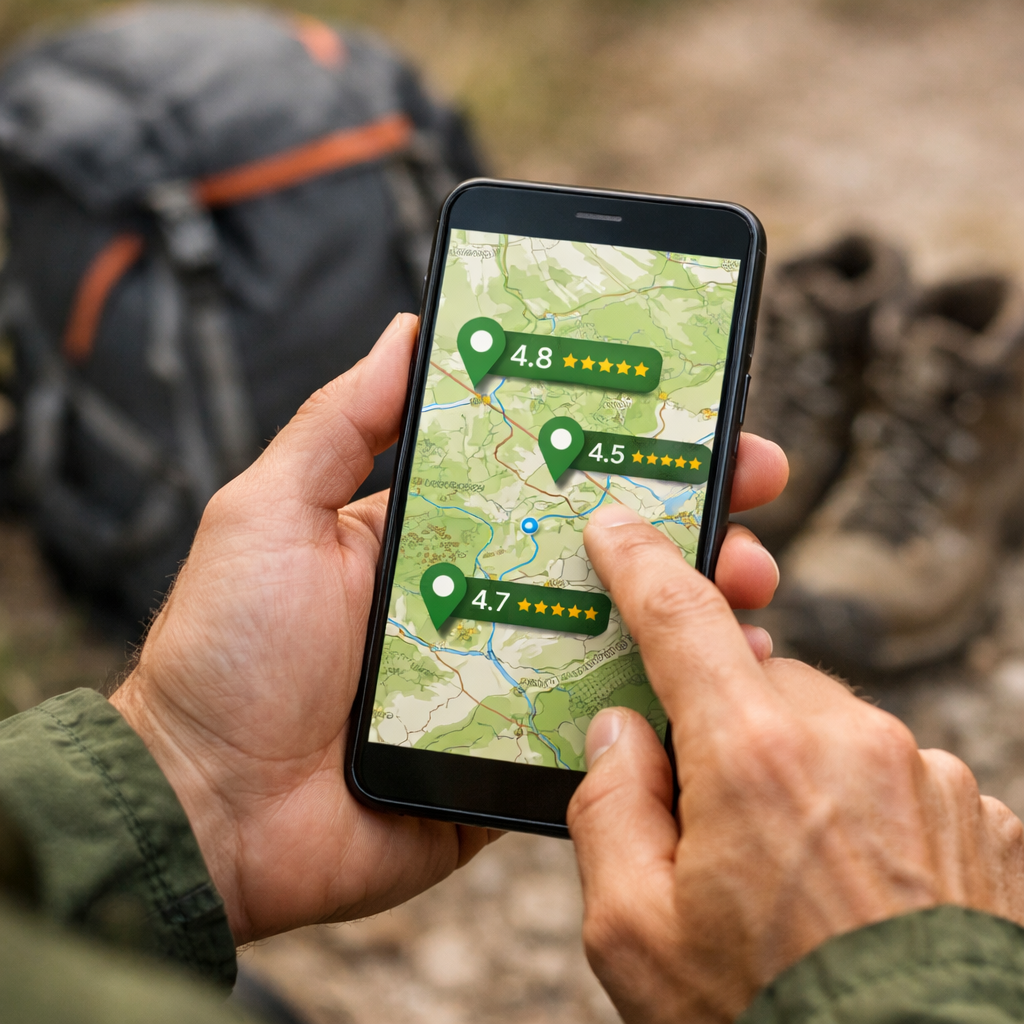
How to Find Reliable Reviews for Walking Routes Near You
How to Find Reliable Reviews for Walking Routes Near You
Finding trustworthy reviews for local walking routes is simpler when you blend three signals: recent community feedback, authoritative maps, and a quick on-foot check. Start by filtering nearby routes in a major trail app, skim the latest photos and comments for specifics, then cross-verify with official mapping and a short “walk-audit.” This approach improves comfort and safety, and it scales from city paths to countryside rambles. If you plan to go offline or beyond familiar streets, expect that some of the best reliability features (like wrong-turn alerts) live behind paid tiers—budget accordingly. Below, we’ll show you a fast, repeatable workflow and how to match route choices to footwear, pack fit (including tall-fit), poles, and other essentials.
Start with Hiking Manual
Here’s our promise: you’ll learn a quick way to combine community reviews, official maps, and a simple walk-audit to verify routes—then connect those choices to comfort, fit, and safety. It’s beginner-first, budget-aware, and built to answer “walks near me” with confidence. Use the quick template below as you go so you don’t miss the key checks.
“Reliable route review” — A review that is recent, specific about parking, signage, and underfoot conditions, corroborated across platforms, and backed by official map checks or a simple walk-audit. It helps you predict current trail conditions and accessibility for your needs, not just the reviewer’s, in clear, practical terms.
Our 7-step workflow: define your needs, search major apps, check heatmaps and recent activity, read for specifics, cross-verify with official maps, run a quick walk-audit, and plan backups. Cross-verification matters because app coverage, map detail, and offline access vary widely—and offline navigation is often paywalled—across a 2025 roundup of walking apps, OutdoorsMagic’s hiking apps guide, and independent testing. See a 2025 roundup of walking apps (dawarich), OutdoorsMagic’s hiking apps guide, and Nail the Trail’s testing for patterns on cost, coverage, and offline limits.
Define your route needs
Decide these first so filters return routes that fit your time, comfort, and access:
- Distance/time and elevation gain you’re happy with today.
- Surface type: paved paths vs. dirt/rocky tracks.
- Family- and dog-friendly needs, plus mobility considerations.
- Parking certainty or transit access windows.
- Season notes (mud/ice/heat) that affect footing and clothing.
Comfort mini-checklist:
- Footwear fit first: secure heel, wiggle room up front, no hot spots after 15 minutes.
- Pack weight and torso length (tall-fit options help) matched to trip length.
- Hydration plan: bottle or reservoir, plus refills.
GPX file — A lightweight XML file containing GPS coordinates, waypoints, and track lines that represent a route. Importing a GPX into most navigation apps lets you follow the path offline, share it with partners, and preserve waypoints like trailheads and turnarounds for easy, repeatable navigation.
Search major trail platforms
For quick context on strengths, regions, and offline limits, skim Hiking Manual’s hiking apps hub before you choose an app. Start with AllTrails for its crowd-sourced depth: at-a-glance difficulty, dog/kid-friendly labels, weather, directions, and consistently fresh photos and comments. The platform lists hundreds of thousands of curated routes and surfaces local options quickly, reinforced by The Guardian’s mapping apps explainer. Also check Komoot, Wikiloc, and OS Maps—coverage varies by region. OS Maps shines in the UK with detailed 1:25k and 1:50k topographic layers and many authored routes, while Komoot’s strengths include smooth planning tools with 3D flythroughs and AR previews.
Know the paywalls: AllTrails+ unlocks offline maps and wrong-turn alerts; Komoot sells regions or Pro for offline, 3D, and additional safety features—details echoed in Live for the Outdoors’ best navigation apps. Wikiloc is strong for elevation stats and off-track alerts, particularly where hiking networks are less formal.
Quick comparison:
- AllTrails: very large database and strong recent reviews; offline and alerts in paid tier.
- Komoot: excellent planning/3D; region-based offline unlocks; strong cycling/walking mix.
- OS Maps: authoritative topo detail, UK strength, clear rights-of-way.
- Wikiloc: robust global coverage, off-track alerts, solid elevation profiles.
For broader app picks and tips, see Hiking Manual’s hiking apps hub.
Check heatmaps and recent activity
Scan Strava’s Global Heatmap to see which paths are most traveled; higher activity usually signals clearer wayfinding and social proof, a tip reinforced in 2025 app roundups. In your trail app, sort by “recently reviewed,” then skim the last 5–10 reviews and photos. Dense, recent activity boosts confidence; sparse or old comments suggest caution. Note seasonality in images (mud, ice, overgrowth, closures) and match it to your planned date. This is a core checkpoint in Hiking Manual’s workflow.
Trail heatmap — A visual layer built from anonymized GPS activities showing where people most often travel. Brighter segments indicate popular, frequently used routes that can hint at better navigation, clearer signage, and maintained paths. Popular doesn’t always mean official, so confirm legality on authoritative maps.
Read reviews for specifics
Prioritize reviews with concrete details—parking, trailhead signage, landmarks, hazards, and what’s underfoot—since these outperform star ratings for decision-making, as highlighted in Outdoor Herbivore’s planning sites overview. Scan for contradictions and dates to track changes over time; crowd-sourced reviews also help gauge crowding and current trail conditions. When possible, capture 2–3 helpful GPS waypoints from reviewers’ maps or photos (e.g., a confusing junction, reliable water source, scenic turnaround). Use the quick template below while you scan so you capture the essentials.
Use this quick template:
- Parking notes:
- Wayfinding clues:
- Hazards/closures:
- Surface/footing:
- Family/dog access:
Cross-verify with official maps
Confirm legality, signage, and amenities before you go. Cross-reference with OS Maps, Gaia GPS, or Avenza Maps; Avenza lets you download geo-referenced versions of printed maps for offline use, a tip noted in Outdoor Herbivore’s guide. Gaia GPS premium adds high-quality national map layers (e.g., European topo sets), thorough desktop planning, and shareable route IDs—commonly praised in independent reviews. Also check local council or park maps and integrated networks—large-scale planning, like Integrated Network Maps in Wales, aims to formalize safe, accessible routes, as described in the PASTA project’s brochure on walking networks. In Hiking Manual’s route checks, we pair crowd data with these authoritative layers to confirm rights-of-way, closures, and amenities.
Comparison at a glance:
| Source | Coverage strength | Offline access | Best use |
|---|---|---|---|
| OS Maps | UK rights-of-way with detailed topo | App downloads with subscription | Legality checks, path status, contours |
| Gaia GPS | Global with premium national layers | Full offline with premium | Terrain detail, route planning/sharing |
| Avenza Maps | Geo-PDFs of official/printed maps | Map-by-map offline | Park brochures, waymarked trails, permits |
| Local council/park | Hyperlocal official networks/amenities | Varies (PDFs/web) | Toilets, closures, accessibility features |
Run a quick walk-audit
A walk-audit is a short, structured assessment of crossings, sightlines, surface, and access. Community walk audits help identify what makes streets and paths comfortable—or what’s missing—summarized in the Safe Routes Walk Audit Toolkit. Use this four-step flow:
- Get Ready: print map/GPX, define start/finish, list concerns.
- Get Set: note crossings, signage, lighting, and pinch points.
- Get Walking: time segments, photograph hazards/barriers.
- Get Active: log fixes and share with your group or council.
Evidence note: organized walking groups rely on route vetting, leader traits, and fidelity checklists to ensure accessibility and safety, according to a systematic review of leader-led walking groups—useful cues when choosing community-friendly paths.
Walk audit — A structured on-foot review where you record safety, comfort, and accessibility factors like crossings, lighting, surface quality, and traffic interaction. Using quick scores and notes, it confirms whether a route suits various ages and abilities and highlights simple improvements you can request or make.
Plan backups and safety
Download offline maps and save GPX tracks before leaving signal. Many reliability features—offline maps and wrong-turn alerts among them—sit behind paid plans in popular apps; plan your budget and redundancy accordingly. Carry a paper map or a second app such as Avenza; premium tiers often unlock specialist layers valued by long-distance hikers, as noted by planning resources and independent testing.
60-second safety check:
- Battery >60% and low-power mode ready.
- Offline map stored; GPX loaded.
- Trailhead waypoint saved.
- Weather snapshot taken.
- ETA and route shared with a contact.
Engage your local community
Join local walking groups, forums, or community pages for hyperlocal tips and informal verification; group programs often rely on trained leaders and pre-checked routes, as shown in reviews of walking interventions. Local authorities and public-health partners also back routes and audits—their involvement adds credibility and practical fixes, consistent with the Safe Routes toolkit and European network planning.
Simple post template for intel: “Date walked? Any muddy sections or closures? Parking status? Family/dog suitability? Notable hazards or unsigned turns?”
Apply it to gear choices
Match route surfaces and distance to footwear first; for beginners, prioritize comfort and cushioning on the terrain you’ll walk most. Add trekking poles for uneven ground and choose a backpack with the right torso length (tall-fit matters for comfort and stability). For more picks and app workflows, see Hiking Manual’s hiking apps collection on Hiking Manual.
Trail type to gear:
- Muddy/rocky: waterproof or water-resistant footwear; trekking poles for stability.
- Paved/urban: cushioned walking shoes; reflective details for visibility.
- Long low-grade: ventilated pack sized to torso; planned hydration and snacks.
- Scenic stops: lightweight hammock for relaxed breaks.
Start with entry-to-midrange, evidence-informed options and test everything on short local loops before committing to longer outings.
Frequently asked questions
Which app provides user reviews of local walking routes?
Use a major trail app with active local reviews; Hiking Manual’s hiking apps hub explains how to filter and cross-check nearby routes.
How can I tell if a route review is trustworthy?
Look for recent, detailed comments with photos that specify parking, signage, and surface. Cross-check on another app and an official map; use our quick review template to capture the essentials.
What if apps disagree about a route’s difficulty or conditions?
Prioritize the most recent, specific reports and seasonally relevant photos. If uncertain, compare elevation profiles on official maps, shorten the route, and set a clear turnaround point.
Do I need a paid plan for offline maps and reliability?
Often yes—most apps put offline maps and alerts behind paid tiers. For new or remote routes, Hiking Manual recommends budgeting for offline access.
How do beginners find easy, comfortable routes nearby?
Filter for “easy,” short distance, and low elevation gain, then read the latest reviews for footing and crowds. Follow Hiking Manual’s fit-first checks on these short loops before stretching distance.