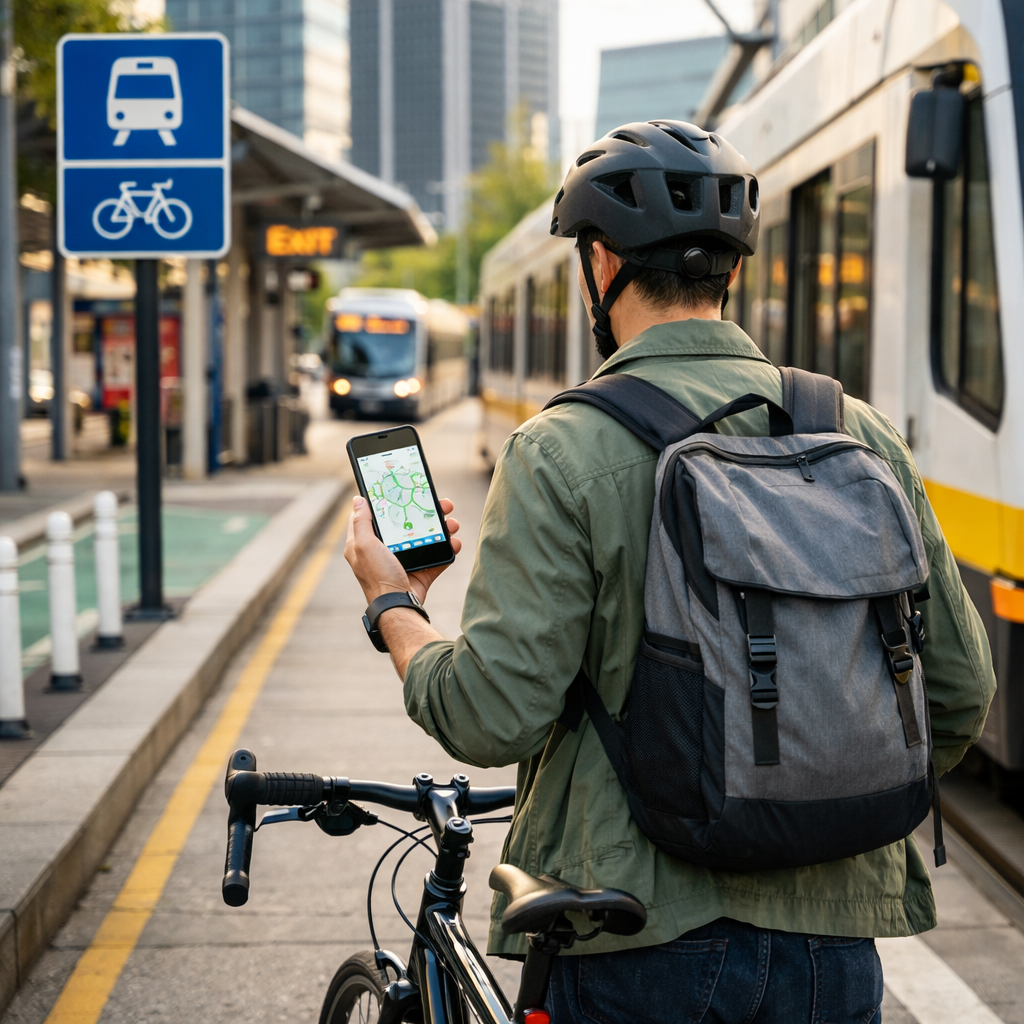
How to Find Cycling Routes That Seamlessly Connect With Transit
How to Find Cycling Routes That Seamlessly Connect With Transit
Getting from your door to a bus, rail, or ferry stop by bike should feel simple and safe. The fastest way to find cycling routes that connect to public transport near you is to define your ride range, use a multimodal app that merges bike legs with live transit, and sanity-check safety with stress and usage maps. At Hiking Manual, we use a repeatable workflow—planning, testing, and saving routes—plus winter-ready tips and offline strategies so your first/last-mile links work in any season. Evidence from the Bike League and APTA shows that better-connected, lower-stress links dramatically expand access to transit and make multimodal trips more reliable source: Bike League’s Connected Routes report; source: APTA’s Bike–Transit Integration guide.
Define your trip envelope
Start by bounding the ride so your route fits your time and energy. Decide your origin, destination, and a comfortable cycling range to/from stations. Most riders are happy with 1–3 miles for first/last-mile segments; a county analysis in the Bike League report found many park-and-ride users lived within that distance of lots.
Set your arrival deadline at transit and an acceptable number of transfers. If you can, map two or three alternative stations inside your envelope—this often unlocks better bike links and more frequent service.
Definition (first/last mile): The first/last mile is the short link between your home or end destination and a transit stop. When this link is predictable—with clear wayfinding, secure parking, and low-stress streets—riders can reliably chain trips and avoid car dependence, even when service or weather varies.
Choose a multimodal routing app
Pick a planner that matches your constraint: timing (live transit), safety (lower-stress streets), hills (elevation), or connectivity (GPX export). Compare at least two tools to catch missing links and station access nuances; many planners now support bike-to-transit trips and exportable routes for backup source: City cycling starter guide.
For deeper app comparisons of Strava, Komoot, and Ride with GPS, see Hiking Manual’s expert roundup on route discovery and planning: best apps to discover road bike routes and our route-planning tag.
Live transit plus bike segments
When timing is tight, use apps that merge real-time schedules with bike legs for door-to-door plans. Transit, Moovit, and Citymapper all offer live arrivals, transfers, and cycling segments; Transit favors safer routing by default and draws from OpenStreetMap, while Moovit and Citymapper unify bike and walking options for side-by-side comparisons source: Car‑Free America’s mobility app roundup.
Enable bike‑share overlays to solve peak-hour bike bans or crowded trains. Bike‑share lets you bridge gaps without using on‑vehicle bike space, especially during rush periods source: APTA’s Bike–Transit Integration guide.
Simple flow:
- Set destination and toggle bike mode.
- Add a 3–5 minute buffer for station entry and parking.
- Save two alternates in case of service changes.
Detailed bike routing and elevation
Use bike‑first planners when street choice and climbing matter: Komoot, Ride with GPS, Bikemap, Strava (for heatmap insights), and Cycle.Travel. Komoot offers offline maps and fitness‑based options; Ride with GPS provides turn‑by‑turn voice navigation, offline maps, and device sync source: Ride with GPS features. Cycle.Travel is known for calmer routing that favors quieter roads source: Loop’s bike navigation apps review.
Comparison at a glance:
| App | Real-time transit | Safety preference | Elevation | Offline | Heatmap | Best for |
|---|---|---|---|---|---|---|
| Komoot | No | Options | Yes | Yes (paid) | No (popularity) | Scenic, fitness-tuned routing |
| RideWithGPS | No | Options | Yes | Yes (paid) | No | Precise navigation and GPX workflow |
| Bikemap | No | Options | Yes | Yes (paid) | No | Quick discovery with offline maps |
| Strava | No | Community usage | Yes | Limited (paid) | Yes | Heatmap insights and training data |
| Cycle.Travel | No | Strong bias calm | Yes | Web-first (export) | No | Low-stress street selection |
Offline and custom profiles
In low-signal areas or winter storms, download maps and set profiles that match your comfort. OsmAnd (OSM-based mapping), BRouter (custom routing profiles), and GPX Studio (simple GPX creation/export) are reliable offline building blocks source: City cycling starter guide.
Profile quick tips:
- Choose “quiet/low‑stress” for comfort, “fast/commute” for reliability.
- Add “avoid arterials” and “prefer paths” if offered.
- Steps: download region → select profile → preview surfaces and climbs → export GPX as a backup to your phone or head unit.
Check transit bike policies and station access
Policies and facilities can make or break your plan. Verify peak-hour bike restrictions, any permits, and whether buses have open rack slots. Next, locate secure bike parking or lockers at your station; agencies increasingly manage demand with on‑site bike parking and lockers source: APTA’s Bike–Transit Integration guide.
If bikes are restricted or vehicles are full, check nearby bike‑share docks to complete transfers without taking bicycle space onboard.
Definition (mobility hub): A mobility hub is a transit‑centered zone where multiple services—transit lines, bike‑share, secure parking, micromobility, and wayfinding—co‑locate. By concentrating options and clear signage, hubs reduce transfer time, limit crowding on vehicles, and standardize safe access for people on bikes and scooters.
Validate route safety and stress
Definition (Level of Traffic Stress): Level of Traffic Stress (LTS) rates how comfortable streets feel to ride based on speed limits, lane counts, separation from traffic, and volumes. Low‑stress networks often form “islands” cut off by high‑speed roads, creating barriers between neighborhoods and transit source: Bike League’s Connected Routes report.
Overlay usage and stress data. Use a heatmap (e.g., Strava) to spot well‑used connectors, and check any local LTS or bike network maps to avoid hostile arterials. The Bike League report shows that fixing missing links measurably boosts transit access; a single pathway to a WMATA lot could bring about 1,200 households within 0.5 miles of a station.
Test, iterate, and save your route
Do a daylight test outside rush hour. Confirm tricky crossings, station entries, bike parking, lighting, and any informal cut‑throughs locals use.
Save two variants—“calm” and “express”—and export GPX to your device. GPX Studio is a straightforward way to build and export files for phones and head units.
Close the loop by reporting hazards to city 311 and submitting map fixes in your planning apps so the network improves over time.
How to plan a bike‑to‑transit trip (quick steps):
- Define your ride envelope and arrival deadline. 2) Pick a multimodal app and a bike‑first backup. 3) Check policies, parking, and bike‑share. 4) Validate safety with LTS/heatmaps. 5) Test the route. 6) Save calm/express variants as GPX. 7) Go live and iterate.
Winter and shoulder-season considerations
Cold, dark, and slick conditions demand margin. Wear a moisture‑managing base, warm mid‑layer, and windproof shell; add waterproof gloves/shoes and bright front/rear lights. Favor protected lanes and low‑speed streets; avoid shaded, freeze‑thaw corners prone to black ice.
Consider e‑bikes to extend comfortable first/last miles in winter; cities have reported usage gains approaching 300% and average trip distances around 8 miles as e‑bike access grows source: e‑bike usage trends.
Choose stations with indoor or covered bike parking so locks and drivetrains stay ice‑free.
Offline navigation and battery management
Cold drains batteries and tunnels kill signal. Download offline areas in Transit, Komoot, or Ride with GPS; keep a GPX copy on a head unit or secondary app. Ride with GPS supports offline maps and turn‑by‑turn voice cues for dependable navigation when screens stay off source: Ride with GPS features.
Phone power strategies:
- Use airplane mode between cues, low‑power mode, and voice prompts.
- Stow the phone in an insulated bar bag or inner pocket.
- Carry a 5,000–10,000 mAh power bank.
Mini‑checklist: offline area saved → GPX exported → audio cues tested → power bank charged → printed map segment packed.
Exporting, sharing, and advocacy data
Export GPX and share routes with colleagues; store “station access” legs as reusable building blocks. Crowd‑sourced platforms can amplify safety insights: Love to Ride’s automatic ride logging captured about 9.3x more trips than manual logging and includes rider safety ratings, heat maps, and planner dashboards that inform decisions source: Love to Ride mapping tool.
Frame your feedback in public‑health terms: activity‑friendly routes connect everyday destinations and protect people from car risk; corridor projects like the Atlanta BeltLine model how linked trails can tie dozens of neighborhoods into transit access source: CDC guidance on connecting routes and destinations.
For inspiration and practical multimodal workflows, see Hiking Manual’s stories on transportation and route‑linked travel.
Frequently asked questions
How far should I ride to or from a station for a comfortable first or last mile?
Most riders find 1–3 miles comfortable, depending on terrain and weather. With an e‑bike or protected lanes, 3–5 miles can remain manageable; use Hiking Manual’s route‑planning tips to gauge your range.
What if my local transit has restrictions on bikes during peak hours?
Plan a bike‑share link near the station or lock your bike in secure parking, then ride unencumbered. Off‑peak trips usually offer more flexibility and space; Hiking Manual’s transit checklists cover policy nuances.
How do I plan for bad weather or winter conditions on a bike-to-transit trip?
Choose protected, well‑lit routes, run bright lights, and wear insulated, waterproof layers. Save an offline route and target stations with covered parking—Hiking Manual’s winter tips above can help you dial this in.
What’s the best way to carry a bike on buses or trains and keep it secure at stations?
Check capacity and rules, arrive early to load calmly, and carry a compact U‑lock with a cable. If parking, use high‑visibility racks or lockers and remove accessories—see Hiking Manual’s station‑access tips in this guide.
How can I report hazards or missing links so routes improve over time?
Log rides and report issues through local 311 or mapping apps with hazard reporting. Photos and precise locations help planners prioritize fixes; as we suggest in Hiking Manual’s route‑planning guides, share GPX when possible.