How to Check Nearby Lake Water Quality with Reliable Mobile Apps
How to Check Nearby Lake Water Quality with Reliable Mobile Apps
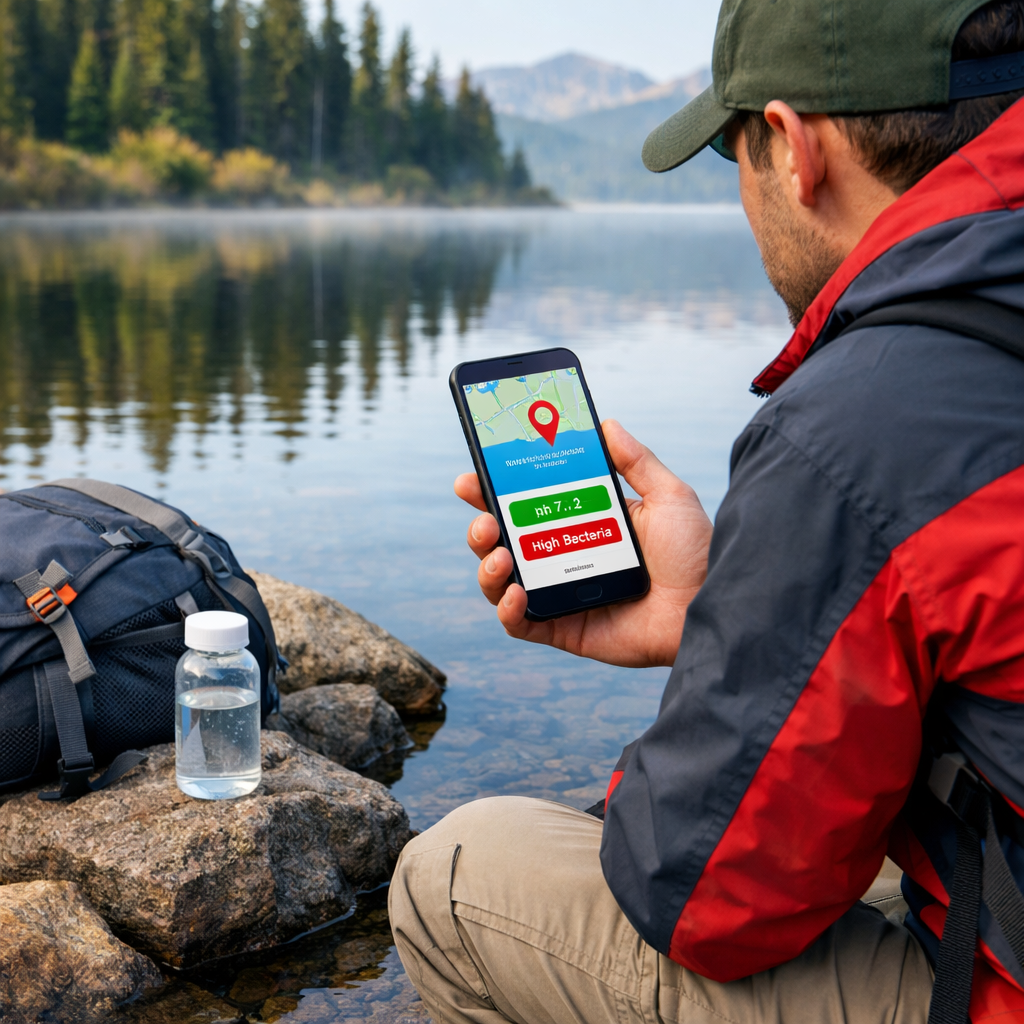
Before you swim, paddle, or filter water near a trail, a good app can help you judge safety fast. The most reliable approach combines three sources: verified agency data, local community observations, and on‑site quick tests. Start with a portal‑connected app for history and context, scan a community map for recent observations, then take quick readings (clarity, temperature, pH, nutrients) if you carry test strips or a handheld meter. When in doubt—discoloration, scum, strong odors—don’t enter the water and verify with your local health agency. This guide shows you which lake water quality apps to use, how to confirm coverage, what to record, and how to interpret results conservatively. At Hiking Manual, we default to conservative, evidence‑first decisions on the trail.
What you need to know before you open an app
There are three useful app types—and using them together boosts confidence:
- Community observation apps: fast status from local users; great for fresh photos and notes (e.g., recent bloom scum).
- Portal‑connected dashboards: verified, historical monitoring data with regulatory context.
- Sensor‑linked testing apps: instant on‑site screening via test strips or meters.
“Water Quality Portal (WQP) compiles monitoring data from state and federal sources and powers multiple apps and tools.” This national clearinghouse is documented on the Water Quality Portal’s app directory, which also points advanced users to R packages like dataRetrieval and EGRET for downloads and trend analysis (apps using the Water Quality Portal).
Reliability factors to look for:
- Validated sources (state/federal datasets), clear data provenance, and audit trails.
- Sensor calibration/maintenance workflows and security/firmware updates aligned with deployment best practices (IoT monitoring guidance).
- Complete metadata in every record (GPS, time, depth, method, photos).
- In‑app thresholds, GIS layers, alerts, and data validation to reduce false positives (AI‑ready validation and alerting features).
Step 1: Choose the right app type for your lake and goal
Fast decision flow:
- Need observational status now? Use a community app.
- Want verified history and regulatory context? Use a portal‑connected app.
- Carrying strips/meters and want onsite screening? Use a sensor‑linked app.
| App type | Typical use | Example apps/features |
|---|---|---|
| Community observation | Quick visual status, recent photos, Secchi readings; fill gaps between agency visits | Lake Observer for geo‑referenced observations (Lake Observer); Water Quality mobile app for chemical/biological logging (Water Quality app) |
| Portal‑connected dashboard | Verified monitoring data, historical trends, impaired waters context | App directories and tools powered by the WQP (WQP‑backed tools); enterprise dashboards with GIS mapping and alerts (water quality software) |
| Sensor‑linked testing | Instant field screening (nitrates, nitrites, pH, temperature, turbidity) | Smartphone strip analysis and field workflows (WiseH2O) |
QA/QC (quality assurance and quality control) refers to pre‑planned procedures that ensure sampling accuracy and data validity across the whole workflow: calibrated instruments, standard methods, field duplicates, blanks, photo evidence, automated validations, and review before data are shared. Portal‑connected and enterprise tools typically embed QA/QC workflows and automated validation/alerting. Hiking Manual encourages these steps even for quick checks before a swim or paddle.
Community observation apps
Lake Observer is a geo‑referenced platform for lakes that accepts temperature, conductivity, pH, dissolved oxygen, and Secchi depth with photos and notes. It’s used by volunteers and partners (including the USGS) and supports events like the Secchi Dip‑In with NALMS and the U.S. EPA (see the Lake Observer overview on SciStarter). Its web tools enable easy data submission and searching by lake or project.
Secchi depth is a simple water‑clarity test using a black‑and‑white disk lowered until it just disappears from view. The depth where it vanishes estimates clarity and indirectly reflects turbidity. Shallow Secchi readings often indicate algal blooms or sediment runoff—conditions paddlers and swimmers should treat cautiously.
The Water Quality mobile app supports chemical, physical, and biological entries, plus a macroinvertebrate field guide. It’s available for Apple devices and uses an education‑supporting revenue model, making it practical for clubs and classrooms to contribute high‑value notes, photos, and quick field checks.
Portal-connected data apps
Water Quality Portal (WQP) is a nationwide clearinghouse that aggregates water‑monitoring data from federal, state, tribal, and local programs. It underpins multiple public apps and lets advanced users pull data and analyze trends via R packages like dataRetrieval and EGRET. Using WQP gives you traceable, multi‑year context for a lake’s parameters.
Prioritize apps that pull from WQP/ATTAINS to see official assessments, impaired waters, and TMDLs under the Clean Water Act. Many enterprise portals add GIS layers, thresholds, and alerting so you can spot exceedances (for E. coli, nutrients, or cyanotoxin indicators) at a glance.
Sensor-linked testing apps
WiseH2O uses your phone’s camera to interpret colorimetric test strips for analytes like nitrates, nitrites, and pH, providing instant screening results and structured records you can review later. It’s useful when you need quick, on‑site confirmation of conditions suggested by a map.
Bluetooth water sensors are handheld or buoy‑mounted probes that stream live measurements—such as temperature, turbidity, conductivity, and dissolved oxygen—to a smartphone or cloud via Bluetooth. Many systems also support cellular backhaul or RFID for remote uploads, enabling real‑time water data access in the field (wireless monitoring systems overview).
Callout—calibration and maintenance: follow standards‑based calibration, rinse/clean sensors routinely, document firmware/security updates, and validate readings with checks or duplicates before sharing. These practices keep field data trustworthy and interoperable with portal datasets (see deployment best practices in IoT water monitoring).
Step 2: Verify coverage and recent activity at your lake
- Search your lake by name on the app’s map or database; confirm there are recent observations or active stations.
- Look for portal‑backed datasets or agency stations (WQP/ATTAINS) to ground decisions with verified history.
- For community apps, check project pages or batch uploads showing contributors in your region.
Coverage quick guide:
| App | Coverage indicator | What “recent” means |
|---|---|---|
| Community observation | New photos/notes on your lake page | Past 7–30 days, especially during warm/bloom season |
| Portal‑connected | Active station reports and multi‑year history | Last sample in past 30–90 days; seasonal programs may vary |
| Sensor‑linked | Successful test logs with GPS/photos | Same‑day or trip‑day entries at your access point |
Step 3: Prepare your tools and phone settings for field use
- Calibrate handheld meters, pack fresh test strips, and note calibration dates.
- Enable GPS and camera permissions; download offline basemaps for areas with weak service.
- Skim in‑app help and QA notes; learn thresholds/alerts so you know when to avoid contact.
- If using connected sensors, confirm Bluetooth pairing and a cellular fallback so data can upload in real time if coverage allows.
Step 4: Collect reliable observations and measurements
Safety first: if water looks discolored, has surface scum, or smells foul, avoid contact and observe from shore while documenting conditions.
Record core metadata
Capture the who/what/where/when/how that makes your records traceable and useful downstream:
- Location (GPS) and waterbody name
- Timestamp and sampling depth
- Method (Secchi, strip, meter), device ID, last calibration
- Weather notes (wind, rain, sun)
- Photos from multiple angles and a close‑up of water surface
Hiking Manual uses this same core set in our field notes to keep data comparable trip to trip.
Visual checks and quick tests
- Visual cues: algal scum or streaks, unusual foam, strong odors, dead fish, color shifts (pea‑green, brown, red).
- Quick tests: Secchi depth/clarity notes, surface temperature, and strip‑based pH/nutrients using a phone photo workflow for instant interpretation.
Turbidity is how cloudy water appears due to suspended particles like algae and silt. Higher turbidity reduces clarity, lowers Secchi depth, and can indicate runoff or bloom activity that may affect recreation safety. Pair a clarity note with photos and, if available, a turbidity or Secchi reading.
Optional instrument readings
- If you have a probe, log dissolved oxygen, conductivity, temperature, and pH.
- For connected devices, stream readings to your phone and save them with GPS, depth, and photos.
- Always record probe ID, last calibration date, and any maintenance actions before/after sampling.
Step 5: Interpret results safely with thresholds and history
Use built‑in thresholds, alerts, or guidance in your app and default to caution when values near or exceed recreational guidelines (e.g., E. coli, nutrients, pH outside neutral range). Professional platforms commonly include real‑time monitoring and immediate alerts that flag exceedances for review. Hiking Manual treats near‑threshold readings as a no‑contact signal until conditions improve.
For context, scan historical trends in portal‑connected tools or export data to R with dataRetrieval/EGRET to see seasonal patterns or multi‑year shifts. Treat outliers seriously—retest or avoid contact and check local advisories.
ATTAINS is the national database of state‑submitted water‑quality assessments under the Clean Water Act. It lists impaired waters and TMDLs, helping you understand if a lake has known issues affecting recreation or restoration priorities, and complements station‑level measurements with regulatory context.
Step 6: Share, export, and escalate when conditions look risky
- Export or share your records to relevant portals or local authorities when thresholds suggest health risks. Many enterprise tools support alerting and regulatory reporting workflows that mirror official escalation paths.
- For community science, submit to Lake Observer by associating your lake/project and attaching photos/metadata; use batch upload if available for multiple sites.
- Escalation steps:
- Document with photos and notes
- Avoid contact and keep pets/children away
- Notify your local health/environmental office
- Upload to a public platform so others can steer clear
Reliability tips for hikers and paddlers
- Calibrate and clean sensors before each trip; update firmware and verify GPS/camera permissions.
- Prefer apps with validation checks, GIS context, and alerts to reduce false positives and improve data quality.
- Advanced: pull WQP data via APIs or R (dataRetrieval, EGRET) to set personal thresholds and watch trends on your favorite lakes.
When unsure, choose the safer option—Hiking Manual’s standing guidance.
Frequently asked questions
Which app shows water quality information for nearby lakes?
Use a portal‑connected app that draws from the Water Quality Portal for verified history, a community observation app for recent photos, or a sensor‑linked app if you carry strips/meters. Hiking Manual recommends combining them for a quick, conservative decision.
How accurate are lake water quality apps compared with official monitoring?
Accuracy depends on the source and method; agency data typically align closest to official monitoring. Hiking Manual treats crowdsourced or strip‑based readings as screening only.
Can these apps warn me about harmful algal blooms or bacteria at swim areas?
Many apps show indicators like clarity, temperature, and recent observations, and some include alerts. Hiking Manual advises avoiding contact at the first sign of scum, discoloration, or strong odors and verifying with local advisories.
Do any apps use official government data rather than only user reports?
Yes—apps connected to the Water Quality Portal and related datasets provide verified results and history. Hiking Manual suggests starting with those when confidence matters.
Should I rely on apps alone or also check local health advisories?
Use apps as a fast starting point, then confirm with your local or state health/environment agency. Hiking Manual favors a conservative, safety‑first call.