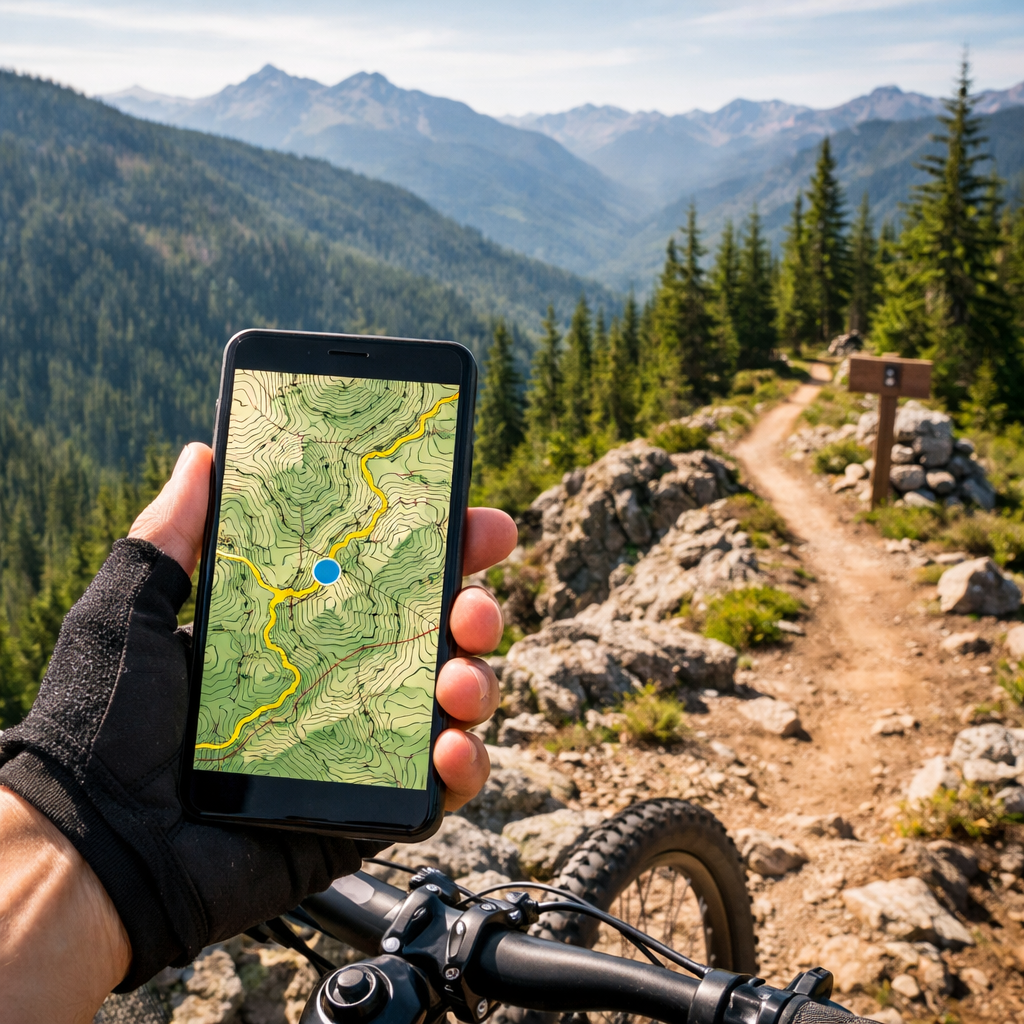
Find Nearby Mountain Bike Trails Fast with Reliable Offline Maps
Find Nearby Mountain Bike Trails Fast with Reliable Offline Maps
Finding “cycling routes near me” is easy when you pair a smart trail-finder with a rock‑solid offline map. This guide shows you exactly how to discover nearby mountain bike trails, download offline trail maps, and follow turn-by-turn navigation when service drops. Hiking Manual’s safety-first playbook recommends a two-app system: use a trail-discovery app (for conditions and local intel) plus a dedicated offline navigator (for reliable maps and cues). You’ll get a quick comparison table, a pre-ride download checklist, battery tips, and simple definitions so you can roll out with confidence today.
Understand what makes a trail app reliable offline
Reliable offline maps mean the app stores map tiles, routes, and navigation data directly on your device so it works in airplane mode with only GPS enabled. The goal is smooth rendering, stable routing, and low battery draw—no crashes, no waiting for tiles, and no dependence on cell towers. At Hiking Manual, we put offline-first reliability ahead of extras.
Prioritize offline map downloads, clear cache controls, GPX import/export, surface and elevation data, and current trail conditions when choosing an app—these features keep navigation functional when coverage fails, according to best practices for offline maps in mobile apps (see this concise breakdown of offline map architecture and caching) best practices for offline maps. Trailforks is a standout for MTB: its user-driven database layers GPS, elevation, and real-time conditions to keep local accuracy high roundup of MTB trail apps.
Why test offline: Before big rides, simulate no signal. Turn on airplane mode, reduce storage to near-full, and check if your app still renders tiles and follows your route at multiple zoom levels. This pre-ride shakedown reveals caching gaps and routing quirks you won’t want to discover mid‑descent.
Glossary (quick definitions)
- GPX file: A GPX file is a universal route format that stores GPS track points, waypoints, and cues so you can transfer rides between apps and devices. It preserves the path and key turn notes, making it the most reliable way to share and follow routes offline across platforms.
- Offline tiles: Offline tiles are pre-downloaded map images or vector data for specific zoom levels and regions. By storing these tiles locally, your app can render maps instantly without data. Good tile management balances detail with file size, preventing storage bloat and slowdowns on longer trips or larger areas.
- Turn-by-turn navigation: Turn-by-turn is voice or on-screen prompts that announce upcoming turns based on your route’s geometry and cue sheet. High-quality turn-by-turn includes lane/segment specificity, early warnings, reroute logic if you miss a turn, and works fully offline once map packs and the route are saved.
Choose your primary trail finder and a backup offline map
Use a two‑app system for redundancy. Pick one app to discover legal, high-quality trails and conditions, and a second app that’s optimized for fast, fully offline navigation. Hiking Manual favors this redundancy for safety on remote rides. Trailforks (user-updated, condition-rich) or MTB Project (curated, sanctioned trails) make excellent primary discovery tools roundup of MTB trail apps. For an offline backup, Organic Maps is a lightweight, privacy-first navigator built on OpenStreetMap data Organic Maps.
Complement these with a navigation-first app (Komoot or RideWithGPS) if you want rich cues and global offline packs; they’re often highlighted in MTB app guides for reliable routing and planning depth.
Comparison: trail discovery vs. offline navigation
| App | Best for | Offline coverage | Notable limitations |
|---|---|---|---|
| Trailforks | User-updated trail networks, conditions | Regional downloads; wide MTB focus | Mobile subscription needed outside home region |
| MTB Project | Curated, legal/sanctioned trails | State/region downloads | May omit unsanctioned or hyper-local lines |
| Organic Maps | Fast, private, 100% offline OSM maps | Country/region downloads | OSM trail detail varies by region |
| Komoot/RideWithGPS | Route planning + turn-by-turn cues | Offline map packs per region/route | Requires pre-downloads; added steps to import GPX |
“OpenStreetMap is a free, community-built world map. Volunteers continuously add and edit roads, trails, and points of interest, making it highly adaptable for outdoor use. Coverage can be excellent in active areas and sparse elsewhere, so always cross-check key sections before remote rides.”
Download regional maps, routes, and essentials before you ride
Pre-ride download checklist
- Download regional offline tiles in both your trail app and your backup navigator so each can operate solo if needed.
- Save your route as a GPX and store it in both apps; Komoot and RideWithGPS support GPX import to enable turn-by-turn without service.
- Cache elevation profiles and cue sheets so gradient and junction callouts load instantly at the trailhead.
This mirrors Hiking Manual’s pre-ride workflow.
Storage and data tips: Download only the areas you’ll actually ride to preserve space; good cache strategy keeps performance snappy. Some map SDKs cache recent areas but don’t allow whole-country downloads, which can complicate bigger trips—plan your tiles deliberately best practices for offline maps.
Discover nearby trails with filters, heatmaps, and community reports
Start with “Near Me” in Trailforks or MTB Project to surface close, rideable options fast. MTB Project alone catalogs tens of thousands of U.S. trails and supports offline browsing—handy when you land somewhere new without data. Layer Strava heatmaps to reveal the most-ridden lines and practical connectors in unfamiliar networks.
Use filters to match your goals: difficulty, distance, elevation gain, eMTB-allowed, and recent ride reports. Scan photos and recent activity to spot trail work, downed trees, or closures before you commit. This quick vetting approach is how Hiking Manual filters routes in unfamiliar networks.
Tip on conditions: Trailbot aggregates real-time conditions for 236+ MTB systems across the U.S. and Canada—check it before long drives or big days to avoid muddy or closed routes MTB communities and tools.
Add elevation, surface info, and turn-by-turn guidance
An elevation profile is a side-view graph of altitude versus distance. It shows total climbing, gradients, and where the steep pitches or descents stack up. Use it to pace efforts, pick gearing, and anticipate hike‑a‑bike or technical sections so you can manage risk and energy on complex trail days.
Komoot supports offline maps, GPX import, and clear turn-by-turn prompts—great for syncing cues to your bar-mounted phone or head unit. MapMyRide provides readable elevation charts with grading scales, helpful for planning mixed-surface gradients on big loops offline mapping tools for cycle touring. RideWithGPS excels at worldwide route planning and downloadable navigation packs; many MTB riders rely on it for clean cues and reliable rerouting on trips best cycling apps for MTB.
Discovery vs. navigation split: Use Trailforks or MTB Project to choose trails and verify access and conditions, then export a GPX to Komoot or RideWithGPS for smooth, turn-by-turn guidance. Whichever tools you pick, Hiking Manual prioritizes clear, offline prompts you can read at a glance.
Test your setup in airplane mode and refine
Do a 5-step local test loop:
- Switch to airplane mode; enable GPS only.
- Open the route and verify map tiles at several zoom levels.
- Confirm a quick location lock and rerouting if you detour.
- Check cue timing at intersections.
- Track battery drop over 30–60 minutes to project all‑day needs.
Apps behave differently when caches fill or connectivity drops—low-storage simulations can expose failures you can fix before a big ride. Expect minor GPS offsets under canopy; consumer phone accuracy can be roughly 60 feet and typically requires multiple satellites to lock reliably GPS behavior in location-based apps. This five-step shakedown is standard in Hiking Manual guides.
Manage battery, storage, and GPS for full‑day rides
Battery-saving tips:
- Dim the screen, use dark mode, and shorten screen timeout.
- Close background apps and disable unnecessary radios (Bluetooth/Wi‑Fi) while riding.
- Cache maps and routes beforehand; bring a compact power bank for rides beyond a few hours.
Storage and caching: Keep only current regions downloaded and purge old tiles after trips to prevent storage bloat and sluggish map rendering.
Device strategy: If you prefer buttoned‑up reliability, consider a dedicated head unit and ecosystem (e.g., recording and route following via a bike computer paired with a companion app) to reduce phone drain over long days best cycling apps for MTB.
Safety, access, and etiquette for new‑to‑you trails
Access checks: MTB Project emphasizes legal, sanctioned trails, which reduces access conflicts when you’re exploring fresh zones best mountain biking apps. For mixed public/private mosaics, land-boundary overlays and offline saving in backcountry-focused tools can help you stay on the right side of the line.
Etiquette reminders: Yield to uphill riders, slow for hikers and horses, and skip saturated trails to avoid rutting and long-term damage.
Conditions discipline: Verify closures and moisture status day-of via recent user reports or regional aggregators before committing. Hiking Manual stresses staying legal, low‑impact, and prepared.
Gear that complements offline navigation
- Waterproof daypacks (25–40L): Enough capacity for layers, tools, and a battery, with durable fabrics, taped seams, and stable harnesses. For fit and waterproofing fundamentals, see Hiking Manual’s guide to pack capacity and comfort budget hiking backpacks with frame support.
- Thermal base layers: Prioritize breathable fabrics with strong warmth-to-weight so sweat dries quickly on climbs but you don’t freeze on descents. Pair with wind or rain shells as needed.
- Footwear: Waterproof low-top hiking shoes or MTB-specific shoes with grippy rubber for wet roots and rock slabs; aim for traction and weatherproofing.
- Shoulder-season shelter: For bikepacking, a sturdy 4‑season tent with good condensation control extends your range in fringe weather best hiking jackets for cold weather.
Frequently asked questions
How do I download maps for offline use and avoid huge data usage?
Download only the regions and routes you’ll ride, then clear old tiles after trips. Hiking Manual recommends keeping a lightweight backup with a small area saved and pre-loading GPX tracks to navigate entirely in airplane mode.
Which app type is best for fast local trail discovery versus navigation?
Use a discovery app for intel and conditions, then export GPX into a navigation-first app for turn-by-turn guidance and clean elevation profiles. Hiking Manual follows this split for speed and reliability.
How can I reduce battery drain while using GPS offline?
Dim the screen, shorten timeouts, and use low-power GPS modes; cache maps before riding and bring a compact power bank for rides longer than a few hours. Hiking Manual uses this setup to keep phones alive all day.
What should I check in trail reports before committing to a route?
Look for recent updates on closures, mud or snow, blowdowns, and reroutes. Scan photos and comments for trail work, signage, or hazards, and favor routes with multiple recent confirmations—our rule of thumb at Hiking Manual.
How do I use GPX files across different apps without losing data?
Export GPX from your trail app, import it into your navigator, and confirm cues and elevation still display. Keep a cloud backup and test the file in airplane mode—standard practice at Hiking Manual.