Cocodona Live Stream vs GPS Tracker: What to Use When
Cocodona Live Stream vs GPS Tracker: What to Use When
Cocodona week is long, dramatic, and easy to follow if you use the right tool for the right moment. The event offers two official ways to keep up: a free, continuous YouTube livestream produced by Aravaipa’s Mountain Outpost and a GPS dot tracking experience on the TrackLeaders map powered by SPOT devices. Hiking Manual’s rule of thumb: watch the livestream for story and context; use GPS tracking for precise, real-time location and crew timing. Start by opening Aravaipa’s Cocodona Live hub for the current stream segments and the tracking map in one place—and bookmark it for race week.
Quick answer for how to follow Cocodona live
- Open the official live/tracking hub to find the current Mountain Outpost livestream and the TrackLeaders map in one place (125 hours of free coverage; split into multiple YouTube segments), via Aravaipa’s Cocodona Live hub.
- Remember: the livestream is not the same as live tracking. The TrackLeaders map shows last known position plus pace, moving time, stopped time, and average speed; it’s built for logistics and safety per the official Runner Guide.
What each tool is
- Cocodona Live Stream: continuous, produced video coverage with studio and on-course commentary, plus drone aerials—built for fans and family who want the big picture and live race coverage, per the official Runner Guide.
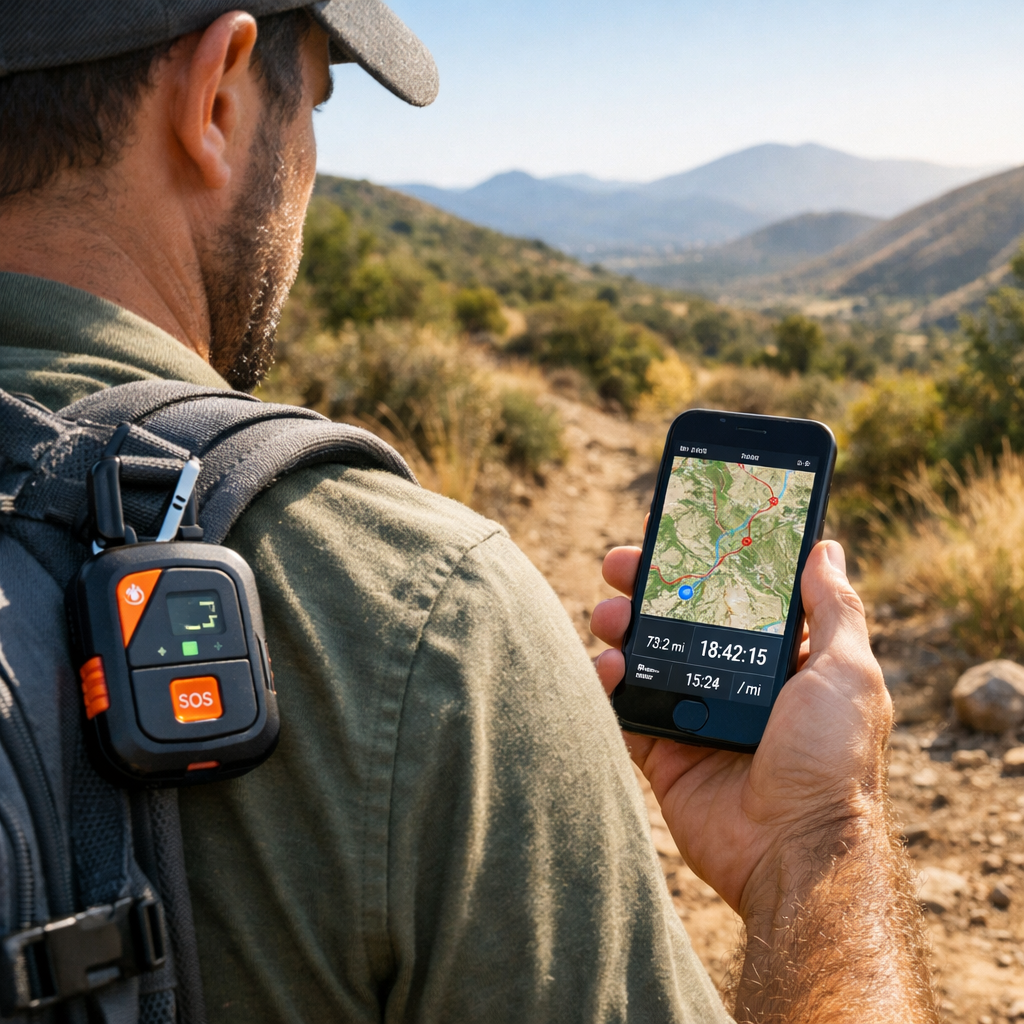
- GPS Tracker (SPOT + TrackLeaders): a satellite device worn by each runner that plots to a web map with pacing metrics—built for crews and safety teams to monitor location and tempo, also noted in the official Runner Guide.
“Live tracking displays a participant’s last known GPS position on a course map, with stats like current pace, moving time, stopped time, and average speed. It’s designed for real-time location awareness and crew logistics, not storytelling. Viewers need internet to load the page; the device transmits via satellite,” per the official Runner Guide.
Many first-timers confuse the livestream with GPS dot tracking; the race guide is clear they’re different tools with different purposes.
Key differences at a glance
| Category | Livestream (Mountain Outpost) | GPS Tracker (SPOT + TrackLeaders) |
|---|---|---|
| Format/Data | Produced video with studio hosts, on-course cameras, and drone shots; selective and narrative-driven. | Map with runner dots plus telemetry: current pace, moving time, stopped time, average speed; last known position. |
| Coverage/Reliability | 125-hour free YouTube coverage; editorial—not omnipresent for every runner. | Satellite-backed position fixes across the full course; occasional GPS quirks can briefly misplace dots. |
| Connectivity | Viewers need stable data to stream; quality varies by bandwidth. | Runners don’t need cell (satellite device), but viewers still need data to load the TrackLeaders map. |
| Cost/Access | Free on YouTube; segmented into multiple streams on the Mountain Outpost channel per Aravaipa’s live hub. | Trackers are issued by organizers at the start as part of race operations (fees handled by race; spectators view for free). |
Format and data
- Livestream: you’ll see studio analysis, commentators, rolling on-course coverage, and drone aerials. Coverage is broken into multiple YouTube segments for easier navigation and replays, as organized on Aravaipa’s Cocodona Live hub.
- Tracker: you’ll see a course map with dots and telemetry. Common fields include:
- Current pace
- Moving time
- Stopped time
- Average speed
- Last known position timestamp Aravaipa’s live hub may include race-specific overlays and context on top of the TrackLeaders map.
Coverage and reliability
- Livestream: it’s editorial coverage. Cameras and drones hit key moments, not every mile. It’s excellent for the race story but not for pinpointing an individual’s exact location minute-to-minute.
- Tracker: position updates cover the entire course and work without runner cell service. Sometimes GPS dots “jump” or pause due to terrain or signal; the ultrarunning community routinely reports these harmless glitches during long events (see this lively Reddit discussion thread for examples).
- Last known position means the most recent GPS fix received and timestamped on the course; it can trail real movement by several minutes in canyons or tree cover. Aravaipa’s map highlights this with on-page analysis on race week.
Connectivity needs
- Livestream: requires internet/data on the viewer side; production teams push from areas with coverage, but your home/mobile bandwidth still governs smoothness.
- Tracker: the SPOT device transmits via satellite; runners don’t need cell service. Viewers still need data to load the tracking page.
- Quick prep:
- Save the low-bandwidth tracking link in your phone.
- Pre-subscribe to the Mountain Outpost YouTube channel and enable notifications.
- Test both pages on Wi‑Fi before race morning.
Cost and access
- The livestream is free on YouTube and split into multiple stream segments on the Mountain Outpost channel for easy navigation, as aggregated on Aravaipa’s Cocodona Live hub.
- SPOT trackers are issued by organizers at the start and must remain with the runner; any rental/purchase logistics are handled by the race per the official Runner Guide. For spectators, viewing the TrackLeaders page is free.
When to use the livestream
Use the livestream when you want the most satisfying, low-stress viewing experience: polished commentary, drone visuals, and emotional context that stitches the massive point-to-point course into a coherent story. Schedule anchors help: the race typically starts at 5 a.m. PT on May 5, with a 125-hour cutoff at 10 a.m. on May 10, per Outside’s Cocodona 250 guide. Subscribing to the Mountain Outpost YouTube channel and enabling alerts before race day improves your odds of catching big moments.
Best for fans and family
- Tune in for the start, prime daylight segments, marquee aid station arrivals, and the finish.
- A simple 1‑screen plan: watch the stream; check the tracker only on the hour or during breaks to reduce FOMO and screen fatigue.
- The livestream is the best way for friends and family to share the journey from anywhere.
What you see and what you miss
- You see: studio analysis, on-course shots, drones, interviews, and produced segments highlighting leaders and compelling stories.
- You miss: continuous coverage of a single runner; exact, minute-by-minute locations; remote pockets beyond camera reach.
- Reminder: the official race guide states the livestream is not the same as live runner tracking.
When to use GPS tracking
Use GPS tracking when decisions matter: crewing departures, safety check-ins, and real-time pace assessment. SPOT devices push satellite positions independent of cell service, and the TrackLeaders panel surfaces current pace, moving time, stopped time, and average speed—ideal for quick, confident logistics.
Best for crew and safety
- Three-step flow for aid station timing:
- Check dot location and average speed.
- Compare to distance remaining to your crew point.
- Depart when ETA is 60–90 minutes out to limit idle waits and avoid high-traffic choke points.
- Devices are issued at the start, must remain on the runner, and should not be altered or powered off.
- Aravaipa’s map often includes course overlays and telemetry summaries to sharpen ETA planning.
What you get and common quirks
- You get: last known position updates across the course, plus pace metrics and moving vs. stopped time on a live map.
- Common quirks: brief GPS “teleports,” dots pausing due to terrain or rest, or stale timestamps in canyons. Wait for two updates before acting and confirm trends with average speed and moving/stopped time.
How to combine both for the best experience
Hiking Manual best practice: watch the produced livestream for story and context, and use the tracker for real-time location and crew timing. A simple dual-screen setup—TV/laptop for the stream, phone for the TrackLeaders map—plus hourly check-ins minimizes over-monitoring while keeping you informed.
Simple viewing plan for race week
- Pre-race: Subscribe to the Mountain Outpost YouTube channel and turn on notifications; bookmark the TrackLeaders page.
- Day 1: Watch the 5 a.m. PT start and early climbs; check your runner’s dot every 60–90 minutes.
- Midweek: Stream highlight segments when convenient; rely on the tracker overnight; conserve data by lowering map refresh frequency.
- Finish window: Stream the final push ahead of the 125-hour cutoff to catch late-race drama.
- Hiking Manual tip: set notifications for each stream segment so you don’t miss transitions.
Crew coordination checklist
- Confirm the SPOT device is issued at the start and remains on the runner; don’t alter or power off.
- Share the TrackLeaders link with all crew; assign who monitors which time blocks.
- Use average speed plus moving/stopped time to set ETAs; leave buffers for terrain and aid logistics.
- Keep Aravaipa’s live hub open for route overlays and any race-provided analysis.
Beginner tips for stress-free race following
- Save official links, enable notifications, and test playback on home Wi‑Fi before the start.
- Create offline fallbacks: screenshot the course map and aid list; download YouTube on TV and mobile; keep the tracker link on your home screen.
- If you’re crewing, download offline maps for the region. The course generally has very good cell service, but redundancy helps, per the official Runner Guide.
Save links, set alerts, go offline ready
- Bookmark the live/tracking hub and subscribe to Mountain Outpost with bell notifications on.
- Make a home-screen folder with the tracker link and the current stream segment.
- Download offline maps for your drive and aid station areas.
Battery, data, and bandwidth planning
- Pack a 10,000–20,000 mAh power bank per phone, a car charger, and use low-power mode overnight.
- Lower video quality if bandwidth dips; pre-cache map tiles when on Wi‑Fi.
- Lengthen the tracker refresh interval while driving between aid stations to save data.
Hiking Manual’s calm-and-clear approach
You don’t need to monitor every minute to enjoy Cocodona. Aim for smart check-ins and meaningful highlight viewing. For remote followers, avoid constant refreshing during peak aid station windows; rely on average speed trends and time-stamped dots to make calmer decisions.
Low-stress viewing, minimal FOMO
- Watch in 30–60 minute blocks, then take breaks.
- Set 60–90 minute tracker checks to keep anxiety low.
- Family-friendly windows: the start, sunrise segments, and the finish push.
Recovery-first pacing perspective
Long pauses on the tracker often reflect strategic rest, aid logistics, or slow technical sections—normal in a 256.5-mile point-to-point with roughly 40,667 ft of gain and 35,674 ft of loss over mixed surfaces (about 45% singletrack, 46% double-track, 9% pavement), as outlined in Outside’s Cocodona 250 guide. Expect pace variability; trust trends over single updates.
Frequently asked questions
Do I need both the livestream and the tracker to follow one runner?
Yes—use the tracker for real-time location and the livestream for context and storytelling. Hiking Manual recommends hourly dot checks plus key stream segments like the start, big climbs, and the finish.
How often do trackers update and what if the dot pauses?
Updates are periodic and can lag; a paused dot often means rest, an aid stop, or a brief signal issue. Hiking Manual suggests waiting for two updates and checking average speed and moving/stopped time before acting.
Can I watch or track with limited cell service?
The runner’s satellite tracker transmits without cell service, but you still need data to load the map. If bandwidth is tight for livestreams, Hiking Manual suggests lowering video quality or relying on the tracker until service improves.
Where do I find the official links on race day?
Subscribe to the official race livestream channel and bookmark the Cocodona live/tracking hub. Hiking Manual recommends opening the current livestream segment and the tracking map in separate tabs for quick switching.
Is GPS tracking accurate enough for crew timing?
Yes—use dot location, average speed, and moving/stopped time to estimate ETAs. Hiking Manual’s rule: confirm with a second update before departing for an aid station.