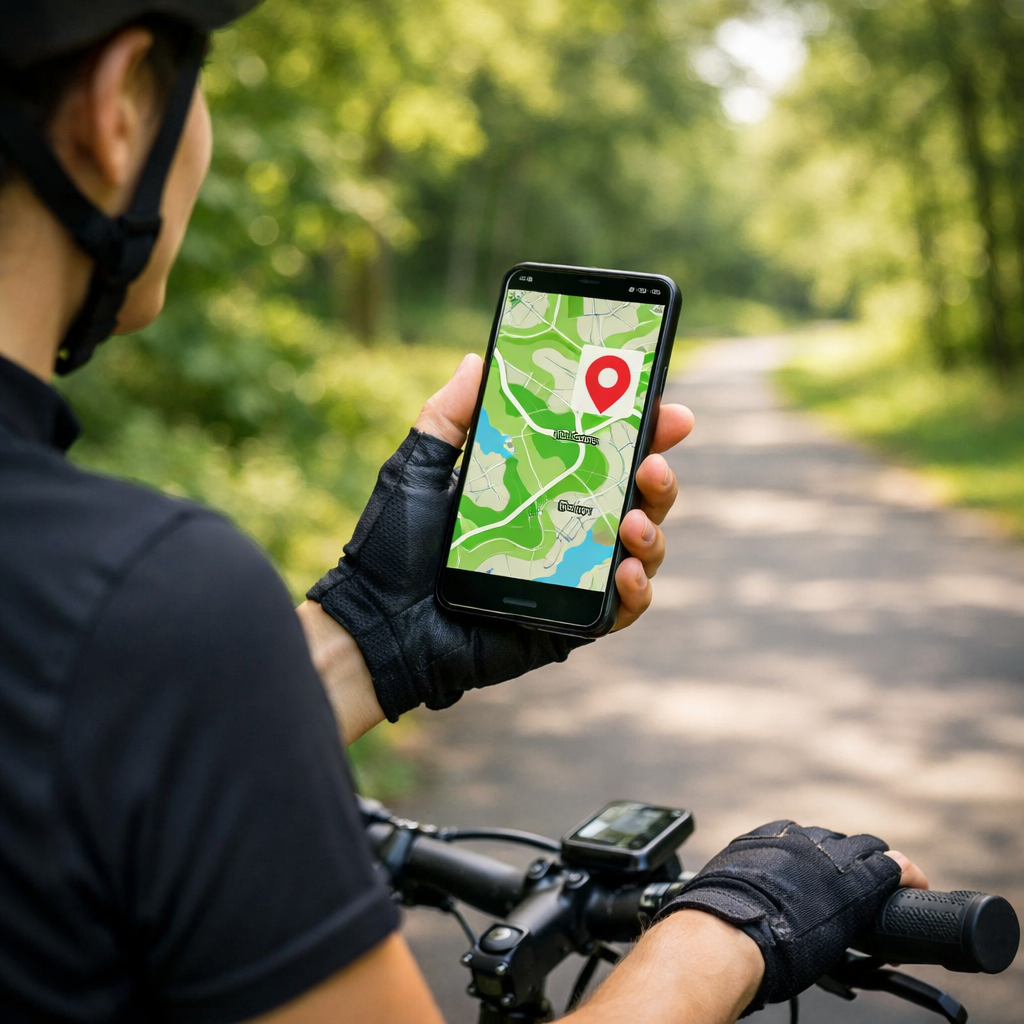
Best Apps to Find Traffic-Free Cycle Paths Nearby in 2026
Best Apps to Find Traffic-Free Cycle Paths Nearby in 2026
Traffic-free cycle paths are routes physically separated from motor traffic—such as greenways, rail trails, and segregated cycleways—designed to reduce collision risk and stress, ideal for family rides, commuting, and low-visibility conditions. If you want the best apps to find traffic-free cycle paths nearby in 2026, start with Komoot or OsmAnd for surface-aware, offline cycling maps; add Bikemap for quick discovery; and use Strava’s community data to validate what locals actually ride. Always try free tiers and trials first to see which app’s routing, privacy, and device integration fit your needs, a pattern our editors consistently recommend alongside clear free vs paid transparency and cross-platform support (see overview analyses on trials, value, and compatibility from Strive Workout, Quire, and FranchiseHelp).
Comparison at a glance
| App | Offline capability | Surface/elevation filters | Community insights | Device integration | Privacy controls | Free vs paid |
|---|---|---|---|---|---|---|
| Komoot | Downloadable region maps; offline turn-by-turn | Strong (bike-type presets, surfaces, elevation) | Photos/tips validate car-free segments | GPX export; sync to bike computers | Route visibility controls | Free plan + Premium subscription |
| Bikemap | Offline for saved routes (paid) | Filters for low-traffic and trail type | Ratings, comments | GPX export to head units | Route privacy options | Free plan + Premium |
| Strava | Offline routes on mobile (paid) | Basic filters | Heatmaps/segments show popular lines | Deep Garmin/Wahoo support; GPX export | Privacy zones, private activities | Free plan + Premium (Strava Routes) |
| Ride with GPS | Reliable offline voice navigation (paid tiers) | Detailed elevation; surface cues on many regions | Quality club/community libraries | Cue sheets; head-unit sync; GPX | Route sharing controls | Free plan + Basic/Premium (Ride with GPS) |
| Google Maps | Offline areas by region | Limited surface detail | Crowdsourced map edits; basic bike layer | Third‑party GPX export workaround | Robust location controls | Free (Google Maps) |
| OsmAnd | Full offline by default | OSM surface tags, path/track granularity | Fewer reviews; strong map data | GPX export; custom profiles | Local/offline by design | Free + paid plugins (OsmAnd) |
| AllTrails | Offline maps (paid) | Difficulty grades; surfaces often in reviews | Photos/reviews highlight crossings | GPX export | Profile and map‑share controls | Free plan + Pro (AllTrails) |
| MapMyRide | Limited offline; best for tracking | Minimal surface filters | Basic route discovery | GPX import/export | Standard privacy settings | Free plan + Premium (MapMyRide) |
Hiking Manual
Our picks reflect hands-on, test-based guidance in real conditions: mixed weather, patchy coverage, and varied surfaces. We prioritize safety, offline reliability, and device integration for cyclists, day riders, and winter commuters. The same route-planning discipline we use for hiking applies to bikes: treat big river crossings like tide-time checks (bridges or ferries may close) and think of graded trail difficulty as elevation and surface ratings for your ride. For winter-ready rides on rail trails or shaded greenways, layer a high-loft midlayer under a windproof shell and wear traction footwear at icy trailheads; if you prefer buttons to touchscreens in gloves, consider a dedicated nav device or one of our recommended GPS watches for navigation for safer, heads-up riding.
That cross-discipline approach is why our cycling app picks favor dependable offline maps and clear, glove-friendly navigation.
Komoot
Komoot is our top pick when you need genuinely traffic-free options with surface-aware routing and reliable offline maps. You choose a bike type (e.g., city, touring, gravel), preview surfaces and elevation, then download a region for full offline turn-by-turn—ideal for family rides, touring, and winter commuting when coverage is spotty (Komoot). Community photos and highlights often confirm that a segment is genuinely car-free. Before committing, sanity-check local behavior with a heatmap (see Strava below), then export GPX to your Garmin or Wahoo head unit for redundancy. Like most leaders in 2026, Komoot splits free basics and paid advanced features; we advise testing via trials before subscribing, a best practice our editors echo across categories.
Bikemap
Bikemap excels at fast discovery with crowd-sourced routes and handy filters. Search nearby and toggle trail type and low-traffic filters to surface off-road and bike-only options quickly (Bikemap). Ratings and comments can flag closures, rough gravel, or new protected lanes. Download planned rides for offline guidance if you’ll lose signal. Do a short local loop first to confirm surfaces and cues match expectations, then scale up. Follow a quick checklist: surfaces, total elevation, recent reviews, and whether GPX export is available for a backup device. As with other apps, verify free vs paid features and cross-platform fit during a trial.
Strava
Strava isn’t a dedicated route planner, but its Routes tool and community heatmaps are invaluable for seeing where cyclists actually ride—and for avoiding traffic-heavy corridors (Strava Routes). Plan a route along bike-preferred lines, then export GPX to your navigation app or bike computer. Community heatmap: a visual overlay built from aggregated ride data showing where people most frequently cycle, helping identify safer, bike-preferred routes. Features like route planning and offline access are typically tiered; experiment via trials to see if the data depth justifies upgrading.
Ride with GPS
Ride with GPS is a precise route editor known for dependable offline voice navigation, detailed cue sheets, and robust GPX exports—great for long or unfamiliar rides (Ride with GPS). Its route library and club collections are strong, and device integration enables safer, hands-free prompts on rough surfaces. In 2026, editors consistently rate reliable turn accuracy and wearable pairing as top safety adds; take a short free-trial spin to verify prompts and sensor connections before you pay.
Google Maps
Google Maps is the fastest way to sanity-check bike lanes and stitch an urban detour, but it’s not our primary planner for fully traffic-free rides (Google Maps). Use this quick flow: toggle Cycling layer > preview elevation > open Street View at major crossings > if you need GPX, export via a third-party tool. Download offline areas when service is poor. For longer rides or mixed surfaces, cross-check with a surface-aware app (Komoot, OsmAnd) before committing.
OsmAnd
OsmAnd is a powerful, OpenStreetMap-based navigator with full offline maps and granular control—excellent for remote greenways and rail trails where signal drops (OsmAnd). Customize your map to emphasize paths, protected bike lanes, and surface tags; use GPX export for a backup on your head unit. OsmAnd’s cross-platform support and privacy-respecting offline use align with 2026’s emphasis on device flexibility and local-first data handling.
AllTrails
AllTrails shines for mixed-surface recreation, park greenways, and rail-trail discovery. Difficulty grades, user reviews, and photos often reveal surfaces, barriers, and road crossings (AllTrails). Validate quickly: read the newest reviews, scan elevation/surface, confirm crossings, then download for offline navigation—perfect for family rides. Its free vs paid split mirrors the category; try features first, then decide.
MapMyRide
MapMyRide is a straightforward tracker with basic route discovery—ideal if you prioritize simple logging and only occasionally seek traffic-free options (MapMyRide). When you need better car-free results, plan in a surface-aware app like Komoot or OsmAnd, then import/export GPX to MapMyRide to record. In 2026, cross-platform compatibility and transparent pricing are table stakes—compare tiers and integrations before locking in.
How we chose these apps
- Offline maps and turn-by-turn navigation: Essential for rural paths and rail trails with poor coverage; test by toggling airplane mode and following a short route.
- Surface, bike-type, and elevation filters: Critical to prioritize off-road greenways and smooth, traffic-free cycles; plan two variants and see which better matches on-the-ground surfaces.
- Community reporting and ratings: Local comments flag closures, detours, and whether a “bike path” is truly segregated; skim the latest reviews before you ride.
- Device integration: Hands-free safety via voice prompts and button control on bumpy surfaces; verify pairing with your watch or head unit on a short test loop.
- Pricing model and value: Prefer apps with clear free/paid splits and trial options; test 2–3 contenders for a weekend and keep the one that stays reliable offline and respects your data.
GPX export: a universal route file format that lets you move planned rides between apps and devices, preserving waypoints and turn cues for offline use.
Privacy matters: choose apps with granular controls (private activities, route visibility, privacy zones) and read-only permissions when possible, given concerns about aggregated location data and unintended sharing.
Also worth a look: region-focused planners such as CycleStreets for UK routing and safety-aware options (CycleStreets), and cycle.travel’s touring-friendly, quiet-road bias (cycle.travel). At Hiking Manual, we validate these criteria on short shakedown rides before recommending an app.
Safety and offline navigation tips for cyclists
- Plan with a surface-aware app; 2) Validate with a community heatmap; 3) Download offline maps; 4) Export GPX to a backup app/device; 5) Check recent reviews for closures; 6) Share ETA with a contact.
Winter prep: pack a warm fleece and windproof shell, consider ice-traction footwear for trailheads, and use touchscreen-compatible gloves.
Battery and redundancy: airplane mode + GPS on, dim the screen, carry a compact power bank and paper cue sheet, and test voice prompts with a handlebar mount before long rides.
These are the same field-tested steps we use in our hiking guides.
Frequently asked questions
Which free app is best for offline traffic-free routes?
A free, OSM-based app with fully offline maps is a strong choice for car-free routing; we keep this guide updated with current picks to try first.
How can I filter for car-free paths and smooth surfaces?
Use a surface-aware planner with filters for bike paths/greenways, paved surfaces, and gentle elevation, then confirm with recent user reviews and a community heatmap.
Do I need a bike computer or will a phone app suffice?
A phone app with offline maps and voice prompts suits most riders; Hiking Manual recommends a bike computer for longer battery life, sunlight-readable screens, and glove-friendly buttons.
How do I verify a route is truly traffic-free before riding?
Combine surface filters with heatmaps and recent comments/photos; look for labels like “segregated cycleway” or “greenway,” and scan the map for any road crossings.
What privacy settings should I check before using cycling apps?
Set location access to “while using,” default activities to private, and review map-sharing options; pick apps with clear free/paid splits and transparent data controls.