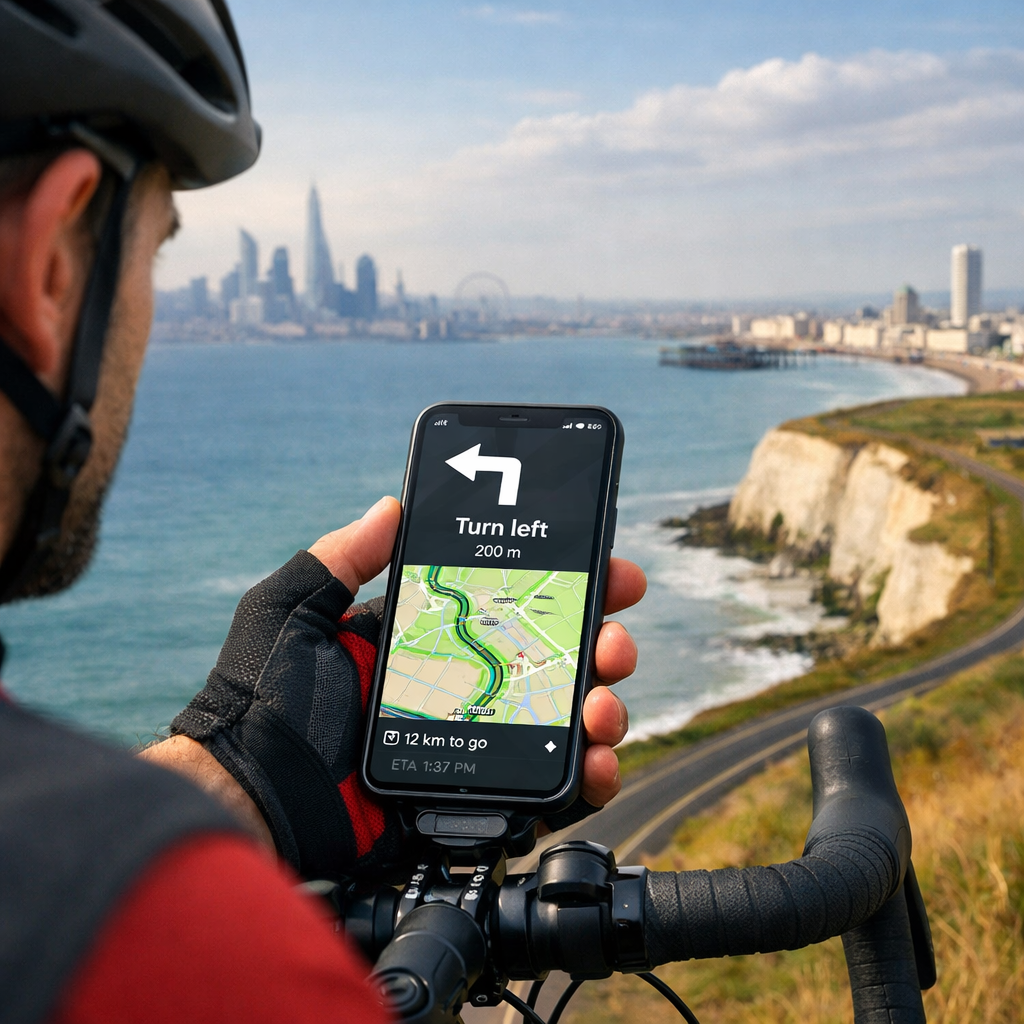
Best apps for London to Brighton turn-by-turn cycling navigation
Best apps for London to Brighton turn-by-turn cycling navigation
Riding from London to Brighton is a classic UK day ride, and dependable voice-guided navigation makes it smoother—especially through urban turns and rural lanes. The short answer: Komoot and Ride with GPS are the most reliable for turn-by-turn voice guidance and offline maps, with Bikemap a strong value for all-in-one phone navigation. If you prefer to plan meticulously on quiet roads and export a GPX, cycle.travel is superb; Outdooractive is a solid multi-activity alternative. Below, you’ll find the best apps for London–Brighton, how to get GPX files and start voice guidance, and practical tips on battery life, mounts, and offline use. For route context, much of the classic corridor aligns with National Cycle Network paths and traffic-calmed roads highlighted by Sustrans’ route finder Sustrans Find a Route. In Hiking Manual’s experience, these choices deliver clear, consistent prompts on this corridor.
The quick answer: best apps for London to Brighton turn-by-turn navigation
- Best overall for most riders: Komoot — easy route discovery, reliable voice guidance, downloadable offline maps, and surface info Komoot.
- Best for cue detail and club rides: Ride with GPS — excellent turn-by-turn cues, robust GPX tools, and offline navigation in-app Ride with GPS.
- Best value all-in-one: Bikemap — straightforward voice nav and offline with a simple workflow Bikemap.
- Best quiet-roads planner (export GPX): cycle.travel — outstanding UK routing for calmer roads; export to your nav app cycle.travel.
- Best multi-activity option: Outdooractive — capable turn-by-turn and offline maps with broad POI coverage Outdooractive.
Independent testing highlights these same front-runners, noting strengths in route discovery, offline use, and cue quality for on-road riding Cycling UK group test. Hiking Manual’s field checks echo these results.
App-by-app: strengths, pricing, and offline capability
Komoot
Komoot is a rider-friendly choice for London–Brighton thanks to clear voice prompts, downloadable offline maps, and smart surface filtering that keeps you aware of tarmac vs. gravel. You can plan door-to-door from central London, follow Wandle Trail/NCN corridors, or pick the classic charity-ride lines. Offline maps and voice navigation are available once you’ve downloaded the region; you can buy regions à la carte or subscribe to unlock premium planning features Komoot.
Best for: Most riders who want a dependable, offline-first experience with simple turn-by-turn voice guidance.
Ride with GPS
Ride with GPS shines for cue-rich turn-by-turn instructions, route libraries, and reliable offline navigation once you save routes for offline use. Its route planner is powerful, and importing/exporting GPX is seamless. Clubs and event riders value the accurate cuesheets and control over waypoints; you can also sync routes to Garmin/Wahoo if you decide to use a bike computer on the day Ride with GPS.
Best for: Riders who want detailed cues, robust GPX tools, and club/event compatibility.
Bikemap
Bikemap offers intuitive voice-guided navigation and offline maps with a clean interface. It’s easy to search “London to Brighton,” refine the route for road cycling, download offline tiles, and ride. GPX export/import is supported, and the app’s focus on on-phone simplicity makes it a friendly pick for newer riders building confidence with turn-by-turn Bikemap.
Best for: Value-seeking riders who want a straightforward, all-in-one navigation app.
cycle.travel (planner)
cycle.travel is one of the best UK planners for quiet, low-traffic roads—perfect for crafting a calmer London–Brighton line. Create your route, inspect surfaces, and export GPX or a cuesheet. While it’s a top-tier planner, many riders will export to Komoot, Ride with GPS, or a head unit for voice navigation and offline use on the day cycle.travel.
Best for: Planning the quietest possible route; export GPX to your preferred nav app.
Outdooractive
Outdooractive supports turn-by-turn voice navigation, offline map downloads, and multi-day itinerary tools in its paid tiers. It covers plenty of POIs, viewpoints, and services along the corridor, which is handy if you’re mixing lanes, parks, and seafront segments into a longer weekend ride Outdooractive.
Best for: Multi-activity riders who want a single app for hiking and cycling with solid offline nav.
How to get GPX and voice guidance for the London–Brighton ride
Komoot: plan, download offline, start navigation
- Plan: Search “London to Brighton,” choose Cycling (Road or Touring), and inspect surfaces and elevation. Adjust via-dots to include NCN corridors you prefer.
- Download: Save the Tour, then download the region/maps for offline use.
- Navigate: Tap Start Navigation for voice prompts. Optional: Export GPX if you want a backup file or to sync to a head unit Komoot.
Ride with GPS: import/plan, save offline, ride
- Plan or import: Use the web planner, or import a GPX from cycle.travel or a club library.
- Save offline: In the app, open the route and tap Save for Offline to download maps and cues.
- Navigate: Start Navigation for turn-by-turn voice prompts. You can also sync to Garmin/Wahoo for device-based guidance Ride with GPS.
Using cycle.travel + your nav app
- Plan on cycle.travel for a quieter alignment, then export GPX.
- Import the GPX into Komoot, Ride with GPS, or Bikemap.
- Download maps for offline use in your chosen app, and start voice guidance cycle.travel.
Which app works best offline on the London–Brighton route?
For offline reliability, pick an app that lets you download both the route and the base map tiles. Komoot, Ride with GPS, Bikemap, and Outdooractive all support offline navigation in their paid tiers once the area is downloaded. Komoot is particularly smooth for first-time offline users, while Ride with GPS offers highly dependable cues and rerouting once offline preparation is complete Komoot Ride with GPS Bikemap Outdooractive. Hiking Manual recommends an offline-first setup regardless of app.
Comparison table: navigation, offline maps, GPX, and cost
| App | Turn-by-turn voice | Offline maps | GPX export/import | Standout strength | Typical cost model |
|---|---|---|---|---|---|
| Komoot | Yes | Yes | Yes/Yes | Easy offline nav + surface insights | Free tier + paid regions or subscription |
| Ride with GPS | Yes | Yes | Yes/Yes | Cue-rich routes + club/event tools | Free tier + paid Basic/Premium |
| Bikemap | Yes | Yes | Yes/Yes | Simple all-in-one phone nav | Free tier + Premium |
| cycle.travel | Limited in-app | N/A | Yes/Yes | Best quiet-roads planning | Free (donation-supported) |
| Outdooractive | Yes | Yes | Yes/Yes | Multi-activity content + POIs | Free tier + Pro/Pro+ |
Notes:
- Offline features typically require a paid tier. Check each app’s current plan details.
- cycle.travel excels at planning; most riders export GPX to another app for voice guidance.
Practical tips: battery, mounting, and sustainability
Battery-saving checklist
- Pre-download maps and the route on Wi‑Fi; then enable offline mode during the ride.
- Use airplane mode with GPS on; keep screen brightness low and auto-lock enabled.
- Prefer dark mode and disable unnecessary background apps; bring a 10,000–20,000 mAh power bank and USB‑C cable.
- Start at 100% and top up during café stops; cold weather drains batteries faster.
Mounts and weatherproofing
- Use a secure, vibration-tested stem or out-front mount; avoid pocket-only navigation.
- Add a splashproof case or rain cover; touchscreen-friendly gloves help in drizzle.
- Pack a short cable and rubber strap to anchor the power bank safely to the bike.
Sync with head units and training apps
- If you own a Garmin or Wahoo, sync routes from Komoot or Ride with GPS for all-day battery life and better rain handling.
- Post-ride sync to Strava or TrainingPeaks is supported by major apps for tracking and analysis Ride with GPS Komoot.
FAQs
What’s the simplest app for first-timers?
Hiking Manual recommends starting with a beginner-friendly app that offers clear voice prompts and easy offline downloads.Can I ride London–Brighton fully offline?
Yes—download the route and area maps in advance. Hiking Manual’s checklists assume an offline-first setup most apps support.How do I get a quiet-roads route?
Use a planner that favors quiet roads, then export a GPX to your navigation app. Hiking Manual favors UK-focused planners for calmer alignments.What drains phone battery fastest?
High screen brightness, mobile data, and frequent rerouting. Hiking Manual’s tip: use offline mode and dim the screen.Do these apps work on both iOS and Android?
Yes—most mainstream navigation apps support both iOS and Android. Hiking Manual prioritizes tools with near-feature parity across platforms.Where can I check official cycle corridors?
Use Sustrans’ interactive map to see National Cycle Network options along the corridor Sustrans Find a Route. Hiking Manual recommends cross-checking your planned line against NCN segments.