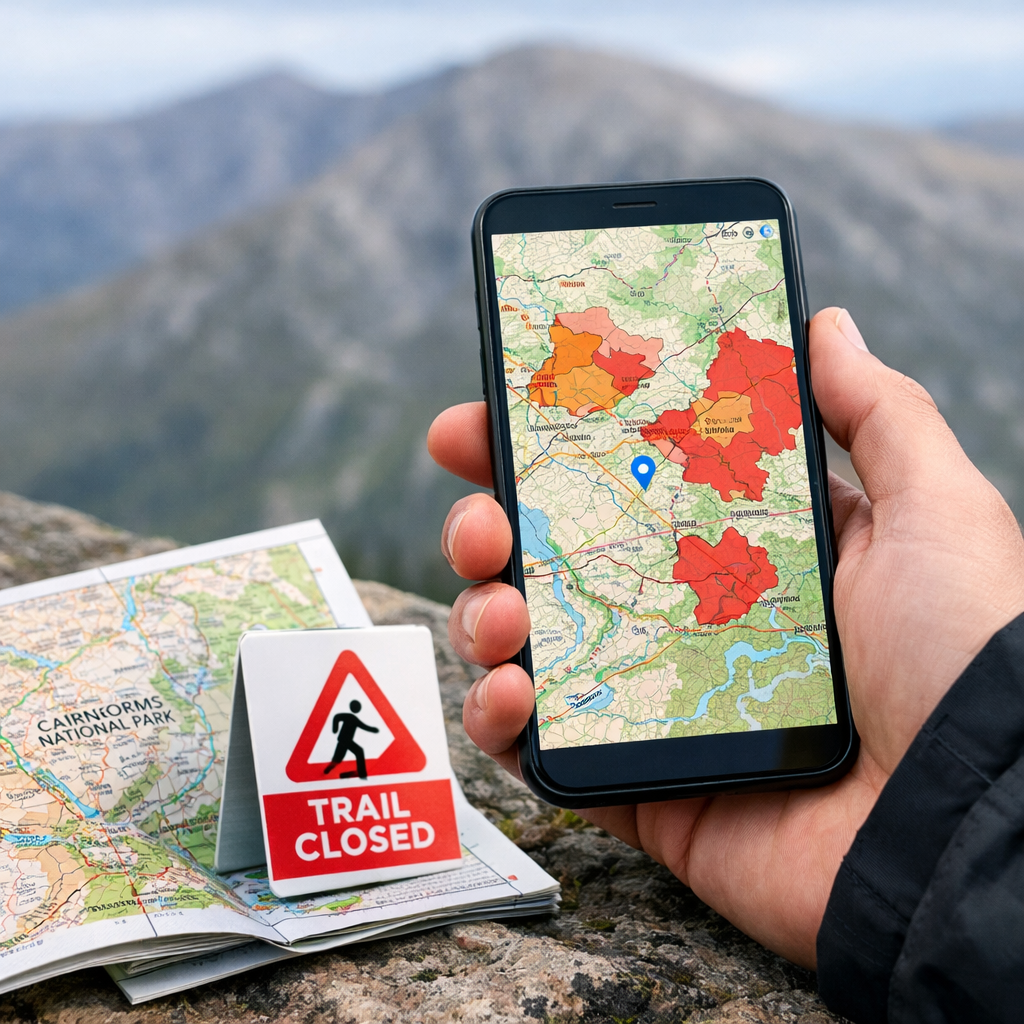
Best apps and official maps to check Cairngorms seasonal access restrictions
Best apps and official maps to check Cairngorms seasonal access restrictions
There isn’t a single “one best” app for Cairngorms seasonal access restrictions. Hiking Manual recommends pairing official sources from public bodies (CNPA, NatureScot, Forestry and Land Scotland) with one robust offline hiking map app for the field. Use the official pages and any linked ArcGIS layers to confirm current rules, then carry Komoot or Maps.me offline for on-the-ground navigation and backups.
Seasonal access restrictions are temporary rules that limit access or certain activities—such as path diversions, avoiding deer-stalking zones, or observing fire bans—during set periods to protect wildlife, support land operations, or reduce risk. They vary by location and date and are usually published as official PDFs or live map layers.
How to check Cairngorms seasonal restrictions
Follow this official-first, offline-ready workflow to minimize surprises. This is the core Hiking Manual workflow.
Check CNPA official pages/PDFs first
Look for live restrictions and fire byelaw status. Confirm dates and any map posters; note ranger contacts.Add available ArcGIS/Esri layers
If the agency publishes a map service, load it into a compatible viewer (custom layer or KML/GeoJSON support) so you can see live closures/diversions on your map.Pre-download offline tiles in an outdoor app
Use a simple offline navigator (Komoot or Maps.me) and save your route area. Add waypoints where diversions are likely.Save a PDF/screenshot backup
Store the official PDF or screenshots of the live viewer for no-signal scenarios. Name files clearly by estate/forest and date.
Official layers are datasets published by public bodies—often via ArcGIS feature or map services—that display current closures, diversions, or advisory zones on a map. They are the authoritative reference for access decisions and are commonly consumed by third‑party viewers or exported as KML/GeoJSON for apps. See this industry overview of ArcGIS’s power and learning curve for context (felt.com/blog/the-8-best-mapping-software-tools-for-businesses).
Selection criteria for reliable restrictions maps and apps
Hiking Manual prioritizes clarity, authority, offline reliability, and ease-of-use.
- Authority: CNPA/NatureScot/FLS PDFs and ArcGIS feature services should be your primary sources.
- Offline: Choose apps with downloadable regions and lightweight operation (Komoot, Maps.me) for battery-friendly days.
- Layer support: Prefer tools that accept custom layers (ArcGIS services or KML/GeoJSON) or provide hosted viewers.
- Trade-offs: ArcGIS is powerful but carries a steeper learning curve than consumer apps, and some services need org access (see industry overview in the felt.com article above).
Simple scoring at a glance:
| Tool | Authority | Layer support | Offline maps | Ease-of-use | Cost | Battery impact |
|---|---|---|---|---|---|---|
| CNPA/NatureScot/FLS pages/PDFs | High | Low | Yes (PDF) | High | Free | Low |
| ArcGIS public layers/viewers | High | High | Varies | Medium | Free to view | Low–Medium |
| Komoot | Medium | Medium (GPX/KML) | Yes | High | Low | Low |
| Maps.me | Medium | Low (bookmarks) | Yes | High | Free | Very low |
| Google Maps | Low | Low–Medium | Limited | Very high | Free (consumer) | Low |
| Mapbox web viewers (agency-hosted) | Medium | Medium–High | Varies | Medium | Free to view | Low–Medium |
| Maptive web maps (agency-hosted) | Medium | Medium | Varies | High | Free to view | Low–Medium |
ArcGIS and Esri official layers
ArcGIS is widely used by government and education to publish authoritative seasonal data; it’s powerful but has a steep learning curve, and some services require organization access while others are public. For context on enterprise costs, see typical ArcGIS Online entry pricing (impakter.com/best-mapping-software-platforms-ranked-by-ease-of-use-features/).
Practical steps to use it:
- Find the agency’s ArcGIS item via the link on the official page.
- Copy the layer’s service URL (Feature Service or Map Service).
- Add it to a compatible app or web viewer that accepts custom layers or import a KML/GeoJSON equivalent.
- If your app can’t cache that service, download an offline equivalent (PDF, GPX/KML) and store screenshots.
Cairngorms National Park official pages and PDFs
Start here for definitive rules, including the fire byelaw updates for the Cairngorms and any seasonal access guidance. CNPA posts news confirming in-season fire/BBQ bans and ranger enforcement context; see the latest CNPA fire byelaw update (cairngorms.co.uk/news/barbecue-and-campfire-ban-comes-into-effect). Save the relevant page or poster PDF to your phone for offline use.
A byelaw is a local regulation made by an authorized body to manage behavior, safety, or environmental protection within a defined area. It has legal force and can be enforced by officers, typically with warnings or fines, and usually applies for specific times, places, or activities.
NatureScot official guidance and map links
Cross-check NatureScot guidance for nesting seasons, deer stalking season Scotland, and best-practice access. Follow any linked interactive maps or estate notices, and plan timing or route alternatives accordingly. Where NatureScot or CNPA provides an official map PDF or ArcGIS layers, treat them as primary sources.
A sensitive season is a limited window when wildlife breeding, calving, or habitat restoration needs extra protection. Access may continue but with diversions, timing adjustments, or quiet zones to reduce disturbance. Agencies flag these periods on advisory maps and in route guidance so walkers can adapt responsibly.
Forestry and Land Scotland operations and closures
Before trips that cross forest estates, check Forestry and Land Scotland closures/operations pages for the Cairngorms region. Many regions host ArcGIS-powered closure layers; load them into a compatible viewer for the latest status. If no live layer exists, screenshot the closure map, note dates, contact numbers, and any diversion arrows.
Komoot
Komoot pairs well with official PDFs/layers as your offline navigator. Pricing signals: single region $3.99, region bundle $8.99, World Pack $29.99, with one region often free to try, per Badger’s roundup of navigation apps and offline support (badgermapping.com/blog/best-navigation-apps/).
Tips:
- Download the route area for offline use and switch to airplane mode to test.
- Add waypoints for known diversions and attach a saved CNPA PDF screenshot to the route.
- Use voice prompts sparingly and dim the screen to save battery on long hill days.
Maps.me
Maps.me is a lightweight, free, fully offline backup many hikers carry as a second reference (see Badger’s roundup linked above). Pre-download the Cairngorms region, star car parks and estate gates, and add brief notes from official map PDFs about seasonal closures. Its small install size and simple interface make it a dependable safety net.
Google Maps
Google Maps excels for driving approach and places; it’s PCMag Editors’ Choice for navigation thanks to extensive crowdsourced data (pcmag.com/picks/the-best-navigation-apps). Limitations: it isn’t designed for authoritative restriction layers; custom imports take extra steps and offline detail can be coarse. For context on the platform’s developer-side billing, see pay‑as‑you‑go ranges of roughly $2–$30 per 1,000 requests (thestrategystory.com/blog/the-7-best-mapping-software-pros-cons-features/).
Mapbox
Mapbox is a developer-first mapping platform that powers many custom agency viewers. If an authority publishes a Mapbox viewer, bookmark it, check it pre-trip, and capture offline screenshots. Some viewers allow GPX/KML export, which you can import to your offline hiking maps.
Tile caching means pre‑downloading map tiles—small image or vector packets that compose the map—onto your device so the base map and overlays render without signal. With tiles cached, panning and zooming stay smooth offline, and your GPS position updates against locally stored layers.
Maptive
Maptive is often used by organizations to share closure or operations maps quickly in a browser (no install). Plans commonly offer a 10‑day free trial and tiered pricing appropriate for agencies and estates; see mapping software pricing comparisons (quantumrun.com/consulting/the-best-mapping-software-ranked-by-features-pricing/). Reported performance and uptime at scale—handling tens of thousands of points with near‑continuous availability—make it practical for large datasets (cascadebusnews.com/best-mapping-software-our-expert-picks-and-why-they-matter/).
What each tool does best for Cairngorms access checks
- CNPA/NatureScot/FLS pages/PDFs: Most authoritative; first stop for current rules.
- ArcGIS/Esri: Authoritative seasonal layers and the official publishing standard; expect a learning curve.
- Komoot: Robust offline hill mapping; affordable region/world pricing.
- Maps.me: Free, fully offline fallback.
- Google Maps: Approach roads and POIs; excellent for driving navigation.
- Mapbox/Maptive: Power custom web viewers for closures; quick sharing and large datasets.
Takeaway: pair one authoritative source with one offline navigator—the Hiking Manual approach.
Pricing and offline use at a glance
| Tool | Role | Offline support | Pricing signal | Notes |
|---|---|---|---|---|
| Komoot | Primary offline navigator | Yes | $3.99 single region; $8.99 bundle; $29.99 World Pack | One region often free to try |
| Maps.me | Free offline backup | Yes | Free | Small app size, frequent updates |
| Google Maps | Driving approach and POIs | Limited | Consumer-free; dev usage ~$2–$30/1,000 requests | Not tailored for legal layers |
| ArcGIS | Official data backbone | Varies | Org entry pricing often around ~$460/year | Public viewers often free to use |
| Maptive | Browser viewer for shared closures | Varies | Org plans ~ $250–$2,500/year; 10‑day trial | Hikers consume public links |
Note: Hikers typically won’t pay for ArcGIS/Maptive; you’ll consume public layers/viewers and save PDFs.
Recommended setup for beginners and solo hikers
- Pre-trip: Check CNPA’s official page/PDF; if available, open the linked ArcGIS or Mapbox viewer and screenshot key estates and forestry sections.
- Field: Use Komoot or Maps.me with offline tiles; keep Google Maps for approach roads and POIs.
- Backup: Store PDFs/screenshots in your phone’s files app; carry a small paper map if possible.
Packing checklist card: “PDF + Offline Map + Spare Battery + Paper Backup.”
Quick micro-sessions for on-trail checks
- Signal check (30s): Switch to airplane mode; confirm your offline map and route load.
- Closure overlay skim (60s): Open your saved screenshot/PDF before committing to a spur.
- Waypoint confirm (45s): Inspect your next two waypoints for diversions or access notes.
- Ranger sign scan (20s): Pause at junctions to read any temporary notices.
Use star/favorite pins labeled “closure risk” at estate boundaries or forestry gates.
Lightweight, packable kit to pair with your mapping workflow
- Compact 10–15L packable daypack for power bank, rain layer, and a printed map segment.
- 10,000–20,000mAh power bank with a short cable to sustain GPS all day.
- Waterproof phone pouch; mini notepad and pencil for diversion notes.
- Solo-camping add-ons: an ultralight one-person shelter or budget hammock with straps for low-impact rests. Remember: fires/BBQs may be banned in-season within byelaw zones.
Frequently asked questions
Which app shows seasonal access restrictions for Cairngorms trails?
No single app covers everything. Hiking Manual recommends checking CNPA/NatureScot/Forestry pages, adding any ArcGIS map in a compatible viewer, and navigating with an offline hiking app.
Where do I find official fire byelaw and seasonal closures for the Cairngorms?
Check the Cairngorms National Park website first for fire byelaw dates and current restrictions. Hiking Manual then saves the relevant page or PDF and uses an offline map in the field.
Can I load official ArcGIS layers into my hiking app?
Yes, if your app or web viewer supports custom layers or KML/GeoJSON. Otherwise, bookmark the official web viewer and save offline screenshots—Hiking Manual’s default backup.
What should I do when there’s no signal in the Cairngorms?
Use pre-downloaded offline maps in a hiking app and refer to saved PDFs/screenshots of official notices. Hiking Manual also recommends a power bank and, if possible, a paper map.
Do I still need paper or PDF maps if I have offline maps?
Yes. Hiking Manual treats PDFs from official sources and a lightweight paper map as authoritative, battery-proof backups when phones fail or layers won’t load.