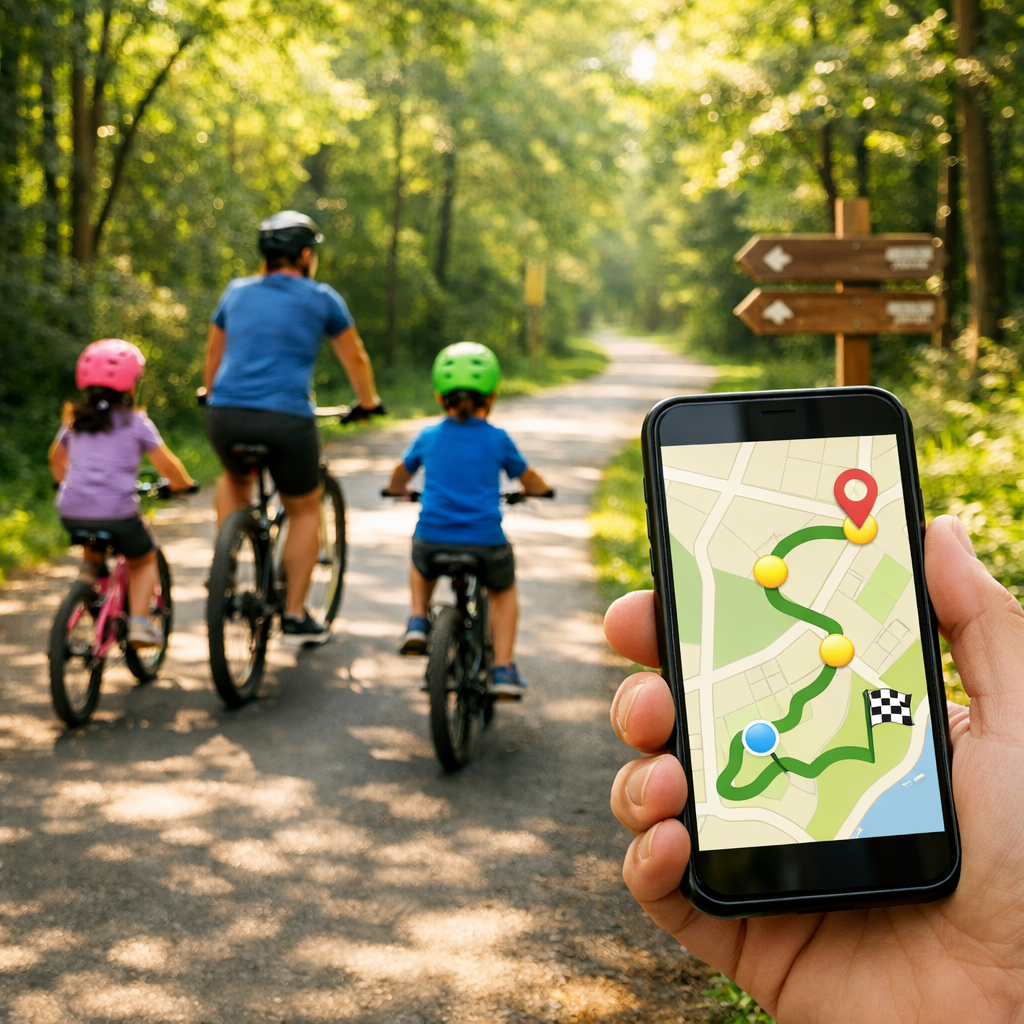
Avoid Traffic: Map Kid-Friendly Bike Routes on Greenways and Trails
Avoid Traffic: Map Kid-Friendly Bike Routes on Greenways and Trails
Planning kid-friendly bike routes starts by steering away from fast traffic and stitching together greenways, trails, and calm neighborhood streets. This Hiking Manual guide shows you how to map low-stress options, compare routes across multiple tools, audit every crossing, and package directions for caregivers—so families can ride more and worry less. You’ll learn to pick the best bike route planner for your area, use crowd-sourced data to validate quiet links, and build in offline backups (GPX plus cue sheets). We also include quick safety checklists, a field-test workflow, and practical gear tips for cold and wet days. The result: kid-friendly bike routes that feel intuitive, predictable, and protected—exactly what families need to avoid traffic and enjoy the ride.
Define family needs and route constraints
“Family-friendly” means the route matches riders’ ages, skills, and attention spans—so no big surprises mid-ride. Decide on distance, surface, elevation, and amenity stops before you ever open a map.
Quick constraint checklist
- Distance: for ages 5–8, plan 2–5 mostly flat miles with rest every 15–25 minutes.
- Elevation: keep climbs short; avoid sustained grades >4–5% for new riders.
- Surface: paved paths first; packed gravel only if kids are steady and tires are wide.
- Stops: schedule bathrooms, water, and snack/play breaks at predictable intervals.
What is a greenway? A greenway is a continuous, mostly off-street path for walking and cycling that’s separated from vehicle traffic, often buffered by landscaping and designed crossings. Families use greenways to avoid fast roads and simplify navigation.
Micro-route goals at a glance
| Goal | Target distance | Preferred surface | Key waypoints |
|---|---|---|---|
| To school | 1–3 miles | Paved, protected | Marked crossings, crossing guard, bike parking |
| Weekend loop | 3–6 miles | Paved/firm gravel | Playground, restroom, water, shade |
| Cargo-bike errand | 2–4 miles | Paved, low-traffic | Store entrance, bike rack, sheltered stop |
Keywords to look for in maps: neighborhood greenways, kid-friendly bike routes, and low-traffic streets that parallel arterials.
Choose the right planning tools
No single app knows your family or your city. At Hiking Manual, we pair mainstream maps with rider-sourced data and customizable OpenStreetMap (OSM) options.
- Google Maps is a strong baseline; in testing it earned 17/20 overall with a 9/10 UX rating, but it can miss new bike infrastructure and lacks clear safety context like separation, speeds, and surfaces according to Loop’s navigation app tests (and echoed in this city cycling primer). See Loop’s navigation app tests: https://loop.cc/blogs/news/the-8-best-bike-navigation-apps-ridden-rated?srsltid=AfmBOoqjQUklMUiklVHSNjV9woDHHkkcDLhAgGDkcfy208dg0vOOQsAt and this city cycling primer: https://blog.horner.tj/city-cycling-getting-started/
- Apple Maps offers “Avoid Busy Roads” and gives summaries about hills, stairs, and traffic exposure—handy for a family-first baseline (see this city cycling primer: https://blog.horner.tj/city-cycling-getting-started/).
- Strava Global Heatmap helps you see where people actually ride; brighter lines signal more trips and can reveal back alleys and cut-throughs (as noted in discussion among route-safety advocates: https://www.bikeforums.net/advocacy-safety/1282215-best-tool-potentially-safe-routing.html). Note: Strava’s route creator is now subscriber-only (see Loop’s navigation app tests: https://loop.cc/blogs/news/the-8-best-bike-navigation-apps-ridden-rated?srsltid=AfmBOoqjQUklMUiklVHSNjV9woDHHkkcDLhAgGDkcfy208dg0vOOQsAt).
- Ride with GPS excels at planning, elevation profiling, and GPX export; for off-road context, check Gaia GPS and Trailforks (see Western Spirit’s planning tools roundup: https://westernspirit.com/bike-trip-planning-tools/).
- For customizable routing and robust offline use: OsmAnd plus BRouter profiles let you bias away from traffic and filter surfaces; GPX Studio is great for quick track edits (see this city cycling primer: https://blog.horner.tj/city-cycling-getting-started/).
- Cycle.Travel prioritizes quiet routing using real traffic data, while Beeline lets you rate roads (green liked, yellow disliked) to reflect comfort over time (see Loop’s navigation app tests: https://loop.cc/blogs/news/the-8-best-bike-navigation-apps-ridden-rated?srsltid=AfmBOoqjQUklMUiklVHSNjV9woDHHkkcDLhAgGDkcfy208dg0vOOQsAt).
Hiking Manual tip: Mix a mainstream bike route planner with rider data (Strava heatmap), then confirm with OSM-based tools. Save GPX and a printable cue sheet for redundancy.
Build and compare candidate routes
Draft at least two options—“quiet” vs. “fastest”—and compare them segment by segment. That’s the Hiking Manual baseline.
Step-by-step
- Plot a baseline in Google or Apple Maps, toggling bike layers and “Avoid Busy Roads.”
- Open Strava Global Heatmap to validate usage and uncover off-street connectors and alleys popular with riders (discussion among route-safety advocates: https://www.bikeforums.net/advocacy-safety/1282215-best-tool-potentially-safe-routing.html).
- Replicate the route in Komoot or Ride with GPS to compare surfaces and elevation and export GPX for devices (Western Spirit’s planning tools roundup: https://westernspirit.com/bike-trip-planning-tools/).
Reliability cue: Favor segments that show both as dedicated green lines in Google Maps and bright on Strava—these are more likely to be continuous, comfortable links (see these Google Maps tips: https://biketoeverything.com/2020/06/10/how-to-plan-a-fun-bike-route-with-google-maps/ and discussion among route-safety advocates: https://www.bikeforums.net/advocacy-safety/1282215-best-tool-potentially-safe-routing.html)—a pattern we rely on for family rides.
Refine with specialty profiles
- Quiet/traffic-free: Cycle.Travel
- User-rated comfort: Beeline
- Multi-sport discovery and surfaces: Komoot
Inspect every segment for risk
Before you ride, audit each segment for crossings, sightlines, and driveway conflicts.
- Use Satellite and Street View to confirm path continuity, curb cuts at entries, driveway density, and surfaces. In Google Maps, solid green lines indicate dedicated trails/lanes; dashed lines are shared or lower comfort (these Google Maps tips: https://biketoeverything.com/2020/06/10/how-to-plan-a-fun-bike-route-with-google-maps/).
- Conflict point: a location where paths cross or merge—driveways, intersections, or trail crossings—where crash risk rises. Map and minimize these using protected crossings and traffic-calmed links.
Risk-audit checklist
- Multi-lane road crossings >4 lanes or >30–35 mph
- Blind curves or vegetation-limited sightlines
- High-driveway corridors (strip malls, gas stations)
- Gravel/sand patches, root heaves, drainage grates
- Signalized vs. unsignalized crossings; note wait times and visibility
Prioritize greenways and design safe gap crossings
String together the safest off-street pieces first, then design “gaps” where protection ends.
- Protected bikeways with planted buffers reduce exposure and perceived traffic stress; NYC’s 9th Ave pilot (post-revisions) tripled ridership and scored a 90% positive safety response—evidence that separation boosts comfort for all ages (case studies on protected bike lanes: https://static.spokanecity.org/documents/projects/riverside-ave-division-to-monroe/riverside-avenue-parking-protected-bike-lane-case-studies.pdf).
- Gap strategy: Prefer low-volume neighborhood streets, traffic-calmed connectors, and marked crossings. Many cities aim for protected access within a quarter-mile of most residents and push to add 50 miles/year—policies that flag likely safer corridors (Transportation Alternatives’ Bicycle Blueprint: https://transalt.org/the-new-bicycle-blueprint).
- Local cues:
- Neighborhood greenways and traffic calming often top community wish lists (Portland’s Urban Trails plan: https://bikeportland.org/2023/10/05/urban-trails-a-bold-plan-for-the-next-generation-of-portland-bikeways-380055).
- Road diets and low-volume streets can function as de facto greenways, improving crossings and reallocating space for bike facilities (Charleston’s Bike Trail Master Plan: https://www.charlestonwv.gov/sites/default/files/non-departmental-documents/2017-03/BikeTrailMasterPlan%20-%20LowRes.pdf).
Field-check and refine the route
Scout the route at off-peak times before bringing kids.
- Verify signage legibility, surface quality, lighting, sightlines, and driver yielding at crossings; note seasonal hazards like leaf litter, ice, or flooding.
- Expect planner blind spots in less-traveled regions; never rely 100% on one app—cross-check and adjust (this touring app comparison: https://wobblyride.com/2025/04/08/best-navigation-apps-for-bicycle-touring/).
- Snap photos of tricky junctions and the best crossing positions; add them to cue sheets.
Package routes for caregivers and offline use
Make directions easy to follow even without cell service.
- Export GPX/KML from Ride with GPS or Komoot and load into OsmAnd or a GPS head unit for offline navigation (Western Spirit’s planning tools roundup: https://westernspirit.com/bike-trip-planning-tools/ and this city cycling primer: https://blog.horner.tj/city-cycling-getting-started/).
- Build a compact cue sheet:
- Turn-by-turns with distances between cues
- Notes on safe crossing positions and signals
- Icons for bathroom/water/playground
- Small photos for complex turns
- Create a one-page Plan B: bail-out points, short-cuts, and transit hops with clear street names and landmarks to follow without a device.
Maintain and improve your route network
Treat routes as living assets and keep them current.
- Collect rider feedback with a simple form; visualize comfort like Beeline’s green (liked) and yellow (disliked) segments to spot patterns (Loop’s navigation app tests: https://loop.cc/blogs/news/the-8-best-bike-navigation-apps-ridden-rated?srsltid=AfmBOoqjQUklMUiklVHSNjV9woDHHkkcDLhAgGDkcfy208dg0vOOQsAt).
- Review routes quarterly against city updates; coordinate on maintenance and missing connections—best practice for greenways and protected lanes (Transportation Alternatives’ Bicycle Blueprint: https://transalt.org/the-new-bicycle-blueprint).
- Common gaps: poor signage, confusing trail linkages, and missing crossings; advocate for neighborhood greenways and clearer wayfinding (Portland’s Urban Trails plan: https://bikeportland.org/2023/10/05/urban-trails-a-bold-plan-for-the-next-generation-of-portland-bikeways-380055).
Family-ready gear and safety checklist
Pack light but decisive—focus on visibility, protection, and weather readiness.
- Helmets that fit; high-visibility vests; front white and rear red lights; bells for shared-use path etiquette.
- Weather system: waterproof shells, insulated gloves (touchscreen-compatible), warm mid-layers (e.g., Thinsulate-lined), windproof outerwear for kids in seats/trailers.
- Traction-ready footwear for stops; reflective bands; ID cards; mini first-aid kit; tire levers/patches/spare tube; mini pump or CO2; quick-link; wipes; snacks and water.
- For littles: harness- and car-seat-compatible snowsuits in cold seasons; trailer wind screen/blanket; summer sunshade.
Trail etiquette refresher: Keep right, pass slow and wide, and announce with a bell or voice. Yield to pedestrians, leash pets short, and dismount at congested crossings or narrow pinch points.
Frequently asked questions
Is it legal for kids to ride on sidewalks near greenways?
Sidewalk rules vary by city and may change near greenways and business districts. Check local ordinances and posted signs; when allowed, ride slowly, yield to pedestrians, and walk bikes in crowded areas—Hiking Manual’s default for kid groups.
Are e-bikes allowed on family greenways and trails?
Many greenways allow Class 1/2 e-bikes but restrict faster Class 3 models. Verify rules for the specific trail and set clear passing and speed expectations on shared-use paths—Hiking Manual’s approach.
How do I find traffic-free greenways with kid-friendly amenities?
Filter maps for paved, separated paths and target loops under 5 miles with restrooms, playgrounds, and shade. City greenway and park sites often list amenities and crossing types segment by segment; Hiking Manual uses these to confirm details.
What distance and elevation are reasonable for young riders?
For ages 5–8, start with 2–5 flat miles and rest every 15–25 minutes—Hiking Manual’s baseline. Increase gradually as confidence grows, keeping climbs short and linking protected segments with low-traffic connectors.
What gear improves safety on shared-use paths?
Fit helmets, use front/rear lights and a bell, and wear bright or reflective layers. Carry water, snacks, a small repair kit, and weather protection like waterproof shells and insulated gloves—the Hiking Manual always-pack list.