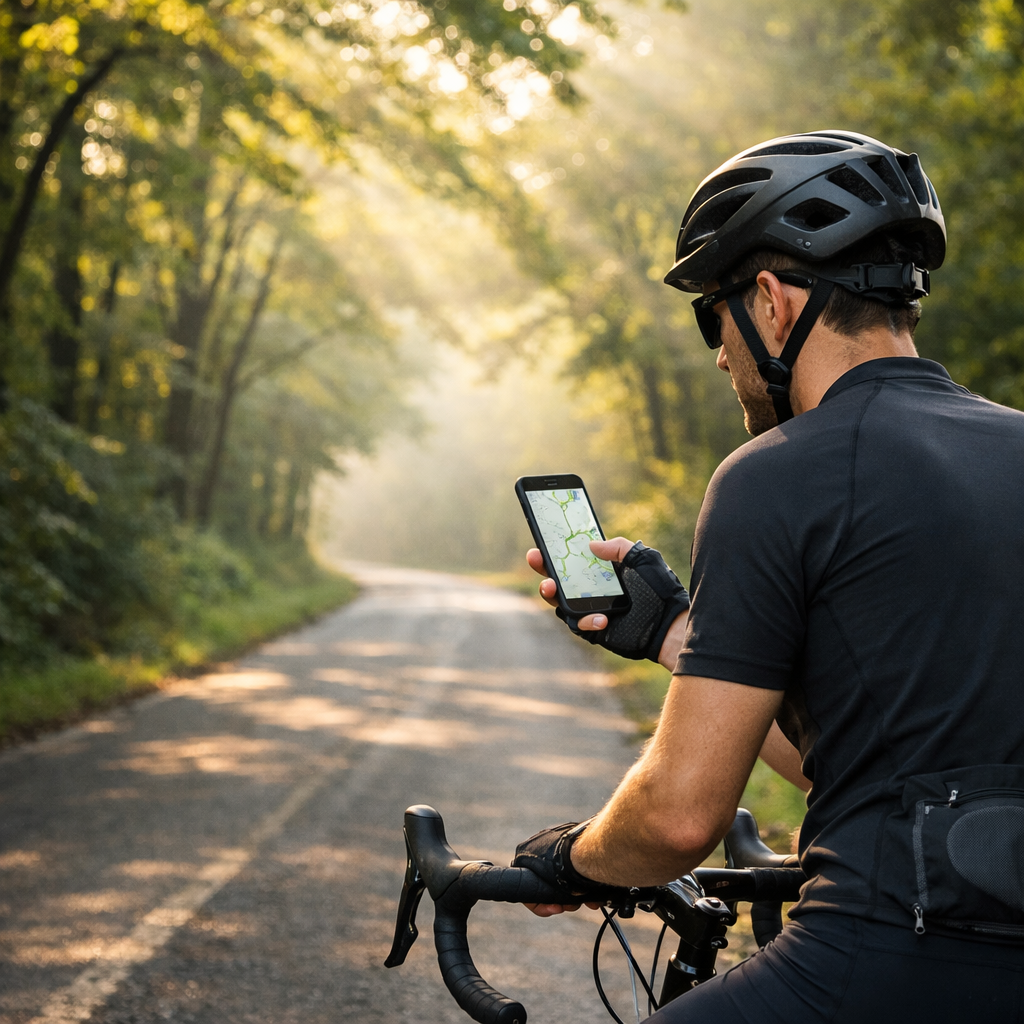
7 Proven Ways to Find Low-Traffic Bike Routes Near Me
7 Proven Ways to Find Low-Traffic Bike Routes Near Me
Finding quiet, confidence-building bike routes near you is easier when you combine the right tools with a repeatable plan. This guide walks you through seven proven methods—when to use each, how to layer them for best results, and how to ride offline with GPS-ready loop routes. Safety isn’t guesswork: protected bike lanes and slower streets cut crash risk by roughly 30%–90% compared with mixed-traffic roads, according to a peer-reviewed review of protected bike facilities. That same body of evidence also links calmer, lower-traffic choices with lower exposure to harmful pollution. The steps below will help you locate, validate, and download safer, low-stress rides close to home.
Hiking Manual
At Hiking Manual, we keep route-finding calm and practical. You’ll learn fast workflows to spot low-traffic options, verify safety, and save routes for offline navigation—without overspending. We favor:
- Planning fundamentals: use Hiking Manual checklists to check for permits where required (e.g., park greenways), confirm legal parking/trailheads, and plan a GPS-ready loop near a bailout (park or transit).
- App ecosystem how-tos: Hiking Manual workflows paired with Komoot, OsmAnd (fully offline maps), Bikemap, and Strava—for stronger results.
- Cost-aware picks: start free, upgrade only for features you’ll actually use (offline maps, voice navigation).
A simple 3-step pre-ride routine:
- Scan a cycling heatmap to see where locals ride. 2) Plan with surface/traffic filters to avoid higher-speed roads. 3) Cross-check an official bike network. Then export GPX and download offline.
Heatmap and community apps
Heatmaps show where people actually ride. Bright corridors often mark fast or popular roads—not always the quietest—so cross-check street types and bike facilities before committing. Strava’s free tier includes segment leaderboards and Beacon live tracking; in Garage Gym Reviews’ testing it scored 4.2/5, and they note many platforms gate coveted features behind paywalls. The same review highlights Bikemap’s breadth—about 11 million routes from 7+ million users—useful for local coverage and ideas.
Mini workflow to mine heatmaps for low-traffic alternatives:
- Search your start area in Strava or Bikemap and toggle cycling heatmaps.
- Identify parallel, dimmer corridors and park paths that likely carry less car traffic.
- Save 2–3 candidate segments, then stitch and export a GPX. Load it to your phone or bike computer.
Heatmap (definition): A heatmap is a map layer that aggregates GPS traces to show where people ride most, shading busy corridors more brightly. It can reveal common connectors, park cut-throughs, and overlooked side streets. Because popularity isn’t the same as safety, verify speed limits, bike facilities, and crossings.
Hiking Manual tip: Heatmaps have popularity bias. Use them as a clue, not a verdict—always confirm with a planner’s traffic/surface filters and a quick street/satellite view.
Multi-mode route planners
Modern planners generate safer, low-traffic routes when you use the right filters. Bikemap’s planner includes Cycling Paths, Smooth Ride, Mountain, and Road modes; its “Balanced” profile avoids streets posted above 50 km/h (31 mph), and the Tour Planner can split multi-day trips and summarize stats. Komoot supports road, MTB, touring, hiking, and running, with a large user base (45M) and strong ratings (4.8/5 from 300k+ reviews)—a signal of robust data and planning tools. Premium tiers in both apps add voice navigation and offline maps; start free, then upgrade if you need turn-by-turn or remote coverage. These tools slot neatly into Hiking Manual’s 3-step routine.
Quick planning flow (pair with a heatmap layer for verification):
| Step | What to do | Why it helps |
|---|---|---|
| 1 | Set Start/End or tap to draw a loop near home/parking | Keeps logistics simple; supports GPS-only navigation |
| 2 | Choose bike type (touring/road/MTB) | Aligns routing with surfaces and grades your bike handles |
| 3 | Apply filters (avoid >50 km/h, prefer bike paths/greenways) | Systematically reduces exposure to fast traffic |
| 4 | Preview elevation and turn density | Reduces surprise climbs and complex intersections |
| 5 | Switch to satellite/base map; confirm protected lanes and path continuity | Verifies that “bikeable” truly means low-stress |
| 6 | Export GPX; download offline maps/voice cues | Ensures reliability without cell service |
Offline-ready picks: Komoot (region unlocks or Premium), Bikemap Premium, and OsmAnd (fully offline vector maps) are reliable for quiet loops and tours when paired with Hiking Manual’s offline checklist.
Trail-specific databases
If you’re seeking dirt, gravel, or singletrack connectors away from cars, go straight to trail databases. Trailforks began as an MTB map and now catalogs 65,000+ trails globally; local associations curate data while riders report conditions, closures, and reroutes. It shines for singletrack, bike parks, and gravel network discovery—not for threading urban side streets.
How to use it:
- Check current trail status, conditions, and seasonal restrictions.
- Identify trailheads and plan connectors in Komoot or Bikemap to link safely from your door or a park-and-ride.
- Download offline maps before leaving coverage.
This approach surfaces car-light corridors while keeping you off streets that weren’t built for safe through-cycling.
Official bike route networks
Pre-planned, signed bike corridors provide safer crossings, predictable wayfinding, and lower-stress links between towns—ideal for longer day rides and tours. In the U.S., the U.S. Bicycle Route System has 24,000+ miles established, developed with public input to connect urban and rural communities. At Hiking Manual, we treat these as spines and layer in quiet connectors.
Official bike route network (definition): A mapped and often signed set of bicycle corridors approved by transportation agencies. These routes prioritize safer crossings, consistent wayfinding, and lower-traffic links. Coverage varies—always verify what exists in your region.
How to use official networks:
- Locate your state’s USBRS segments to anchor a route, then splice in neighborhood slow streets or greenways with a planner’s low-traffic filters.
- Mind AASHTO-aligned policies: many states restrict bikes on interstates; shoulders aren’t equivalent to protected bike lanes. TRB research on shoulders and bicycling found that paved shoulders on busy two-lane roads can increase risk unless there’s physical separation—favor protected paths or greenways instead.
- Export GPX and bring it offline. Signed routes help on the ground when GPS drifts.
Community and crowd-sourced tools
Local knowledge fills the gaps that maps miss—construction, closures, glass, and time-of-day patterns. MapMyRide’s free version covers core route planning and GPS ride tracking; its MVP/premium tier (about $5.99/month or $29.99/year) adds training features and deeper analysis, and it works best for planning on desktop, according to Garage Gym Reviews’ testing of cycling apps.
Practical workflow:
- Search for recent user-uploaded routes near your start point; filter by date and surface.
- Read comments for hazards, school zones, or tricky crossings; note quiet-time windows.
- If multiple riders flag a segment, reroute to a parallel slow street or protected path.
- Check local bike forums, shop group-ride pages, and city cycling Facebook groups for vetted “after-work quiet loops.”
Field scouting and local advocacy groups
Sometimes the fastest path to quiet riding is a quick conversation. Call a nearby bike shop and ask for “after-work quiet loops” and safest crossings; join a no-drop shop ride to learn cut-throughs and greenways. To understand where cities prioritize safety, scan the League of American Bicyclists’ Benchmarking Report for investments tied to better bike/ped outcomes—helpful for choosing neighborhoods that support low-stress cycling.
A simple Hiking Manual outreach script to a shop or club:
- “I’m looking for 10–20 mile loops with protected lanes/greenways, slow neighborhood streets, and at least one bailout (park or transit). Any favorites that avoid high-speed arterials?”
- “Where do you park to start these—community centers, parks, schools on weekends?”
- “Any time-of-day tips to keep traffic low?”
Low-traffic trailhead strategies: start from parks, libraries, or weekend school lots near greenways to skip busy main roads.
Safety-first filtering
Anchor every plan in risk reduction. Protected bike lanes and off-street paths reduce crash probabilities by roughly 30%–90% compared with mixed traffic, and bike-specific facilities cut injuries by about half, according to a peer-reviewed synthesis. Evidence also links lower-traffic routes with reduced air pollution exposure. Conversely, riding on paved shoulders beside fast two-lane roads can raise crash risk unless there’s true separation—avoid “paint-only” compromises on high-speed corridors. This is the lens we use at Hiking Manual.
Use this checklist:
- Prioritize: protected lanes, off-street paths, greenways, neighborhood slow streets.
- Avoid: high-speed arterials, ambiguous shoulders, complex multi-lane crossings.
- Verify: posted speeds ≤30 mph, manageable intersection density, signalized crossings, clear sightlines.
- Prepare: export GPX, download offline maps, and share live tracking with a contact.
Low-stress route (definition): A route intentionally chosen to minimize interactions with fast or heavy traffic and complicated intersections. It typically strings together protected lanes, off-street paths, and calm neighborhood streets to reduce crash risk and improve comfort.
Frequently asked questions
What makes a bike route low traffic and low stress?
Favor protected lanes, off-street paths, and slow neighborhood streets to limit exposure to fast cars and complex crossings. Aim for ≤30 mph speed limits and continuous bike facilities—the same filter we use at Hiking Manual.
How can I verify route safety before I ride?
Use a planner’s low-traffic filters, then confirm facilities and intersections on satellite/street view and a cycling heatmap. Download offline maps, add a bailout, and follow Hiking Manual’s pre-ride checklist.
Which apps work offline for low-traffic route planning?
Most route planners offer offline maps and turn-by-turn in paid tiers, and fully offline map apps also exist. Hiking Manual shows how to pair them for reliable GPS-only rides.
How do time of day and weather affect route choice?
Early mornings and weekends usually mean lighter traffic; rain or wind may favor tree-lined greenways or short neighborhood loops. Avoid school pick-up windows and commute peaks.
What gear helps with safer, quieter rides without overspending?
Start with front/rear lights, a bell, wider tires, a solid helmet, and a basic phone mount. Upgrade later once your local loops are dialed—simple, durable kit we favor at Hiking Manual.