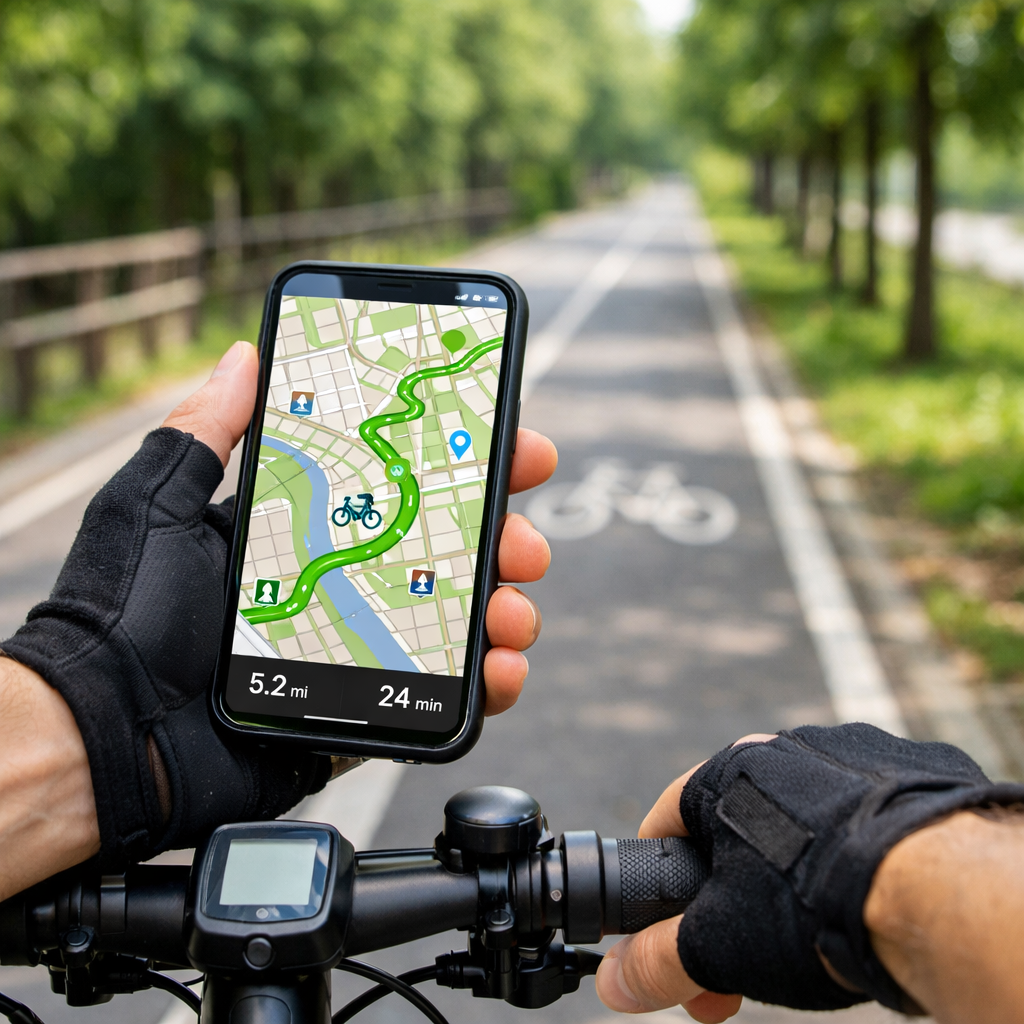
2026 guide to cycling apps showing safe, traffic-free paths
2026 guide to cycling apps showing safe, traffic-free paths
Finding bike routes that feel calm, protected, and intuitive is now easier than ever. If you want a fast answer: use Komoot to discover bike‑friendly, traffic‑free options with turn‑by‑turn and offline maps; in cities, CycleStreets’ Quietest mode steers you onto low‑traffic streets. Both let you preview surfaces and bike paths before you ride. For the most reliable results, test a short route near home, download maps for offline use, and enable voice prompts so you can keep your eyes on the road. This guide shows how to choose, set up, and combine apps so your navigation stays quiet, safe, and dependable. At Hiking Manual, we prioritize surface clarity, offline reliability, and hands‑free prompts so routes stay calm and usable.
What app shows traffic-free cycle paths nearby
For most riders, Komoot is the best app to find traffic‑free cycling routes near you. It plans by ride type and surface, offers turn‑by‑turn directions, and works offline—making it a strong pick for mixed city‑to‑trail rides and weekend exploration, as noted in Rouvy’s best cycling apps overview. Rouvy’s best cycling apps
Urban riders should also try CycleStreets. Its Quietest profile explicitly targets low‑traffic streets (alongside Quickest and Flattest), a favorite among city cyclists highlighted in Cycling Weekly’s group test. Cycling Weekly’s group test
Quick 3‑step test you can try today:
- Plan home to your nearest park or greenway in two apps.
- Toggle Quietest/surface filters; avoid “unknown surface” segments.
- Preview bike path overlays and, in the UK, check NCN/Greenspace layers in OS Maps before exporting. BikeRadar’s best cycling apps guide
“Traffic‑free path” — A cycling route physically separated from motor traffic (for example greenways, rail trails, and protected cycle tracks), or low‑volume roads designated for calm cycling. Apps approximate this using path layers, surface tags, heatmaps, and quiet‑routing profiles to prefer protected corridors and calm streets.
How to choose a traffic-free cycling app
Match the app to your use:
- Urban commuting: prioritize Quietest routing, bike‑lane overlays, and fast reroutes—CycleStreets is built for this. Cycling Weekly’s group test
- Off‑road/MTB/gravel: lean on trail databases and conditions—Trailforks excels with detailed trail info. BikeRadar’s best cycling apps guide
- Touring/exploration: choose surface‑aware routing with turn‑by‑turn and offline maps—Komoot and RideWithGPS are standouts. Rouvy’s best cycling apps
Hiking Manual recommends testing reliability locally: download offline maps, ride a short loop in airplane mode, and confirm voice prompts and rerouting work. Note that some features—for example, RideWithGPS’s offline voice navigation—require a paid plan. Rouvy’s best cycling apps
If you’re in the UK, verify traffic‑free options by toggling National Cycle Network and Greenspace layers in OS Maps before committing to a route. BikeRadar’s best cycling apps guide
Key features that keep routes quiet and safe
Must‑have features we prioritize:
- Surface/type filters and community heatmaps to prioritize low‑traffic paths and avoid unsuitable terrain. Rouvy’s best cycling apps
- Quietest routing profiles and explicit bike path overlays (e.g., CycleStreets Quietest; OS Maps NCN layer). Cycling Weekly’s group test BikeRadar’s best cycling apps guide
- Offline maps with robust turn‑by‑turn so navigation doesn’t fail in low signal. Rouvy’s best cycling apps
Emerging upgrades to watch in 2026:
- AI‑personalized routes that adapt to your fitness, surface preference, and real‑time conditions. Bike Companion’s 2026 navigation roundup
- Deeper wearable integration for heads‑up cues and haptics to reduce screen time. Rouvy’s best cycling apps
“Quietest routing” — An algorithmic setting that steers riders toward streets and paths with low vehicle volumes, protected cycleways, and popular low‑traffic segments. It weighs surface type, dedicated bike infrastructure, gradients, closures, and crowd‑sourced popularity to minimize car interactions while keeping routes rideable and coherent.
Feature snapshot (summary):
| App | Quiet/low-traffic profiles | Surface filters/details | Offline turn-by-turn | Safety tools noted |
|---|---|---|---|---|
| Komoot | Yes (by ride type) | Yes (surface & difficulty) | Yes | Works with wearables |
| CycleStreets | Yes (Quietest/Quickest/Flattest) | Limited but city-focused | Basic | Photomap reporting |
| OS Maps (UK) | Planning overlays (NCN/Greenspace) | Yes (map layers) | Via export to nav app | — |
| Trailforks | Trail-centric routing | Trail difficulty/conditions | Yes | Live tracking, emergency coords |
| RideWithGPS | Custom profiles | Detailed planning/heatmaps | Yes (premium for voice) | Live tracking (plans vary) |
Best apps for urban commutes on low-traffic streets
Use CycleStreets for city trips. Choose Quietest for calmer streets, Quickest when you’re late, or Flattest to keep effort steady; its Photomap is used by campaign groups to flag infrastructure issues and gaps that matter to riders. Cycling Weekly’s group test
In the UK, plan in OS Maps first to visualize National Cycle Network and Greenspace, then export to your turn‑by‑turn app. This pre‑check reveals protected corridors and path connections your nav app might miss. BikeRadar’s best cycling apps guide
Hiking Manual recommends enabling smartwatch prompts and haptics where available so you can keep your head up and eyes on traffic. Rouvy’s best cycling apps
Best apps for car-free paths and off-road trails
Trailforks is the go‑to for MTB and gravel: it lists over 160,000 trails worldwide, offers offline maps, live tracking, condition reports, POIs, and quick access to your emergency GPS coordinates. BikeRadar’s best cycling apps guide
A smart combo is to plan connectors and greenways in Komoot (using surface‑aware routing), then switch to Trailforks for singletrack navigation on the day. Remember to apply surface filters so you don’t accidentally route onto footpaths or unsuitable terrain. Rouvy’s best cycling apps
“MTB trail” — A purpose‑built or designated off‑road path for mountain biking, usually singletrack, with technical features such as roots, rocks, berms, drops, and switchbacks. Trails are typically car‑free but may be multi‑use; apps label difficulty, conditions, and closures to support informed, safer route choice.
Best apps for touring and weekend exploration
Komoot is excellent for touring thanks to turn‑by‑turn, offline maps, and route tailoring by surface and ride type; community Highlights offer scenic detours and surface notes that help you avoid unwanted gravel on road rides. Bike Companion’s 2026 navigation roundup
RideWithGPS shines for deep planning, precise cue sheets, and rich elevation data; testers often find its elevation closely matches Garmin, though numbers vary across apps. Offline voice navigation and some planning tools sit behind premium plans. Rouvy’s best cycling apps
Explore long‑distance networks like EuroVelo: 166 million Europeans live within 5 km of EuroVelo routes, which touch 90% of NUTS‑1 regions—useful context when stitching traffic‑free segments into longer tours. EuroVelo tourism trends 2026
“Offline maps” — Downloaded map tiles and routing data stored on your device so turn‑by‑turn directions and rerouting continue without mobile signal. Going offline prevents navigation failure in rural areas and reduces battery drain by avoiding constant data transfer during long rides and multi‑day tours.
Safety companions and SOS features to add
Enable incident detection and SOS in a safety app. Flare, for example, uses a 30‑second response window and can auto‑notify your contacts with your coordinates if you don’t cancel, adding reassurance on solo rides. Cycling Weekly’s group test
Trailforks includes live tracking and an emergency coordinates screen—handy if you need to relay your location to responders. BikeRadar’s best cycling apps guide
Quick setup checklist:
- Add emergency contacts and verify SMS permissions
- Calibrate auto‑pause and crash sensitivity
- Do a brief crash‑detection test in a safe, controlled way
- Share a live tracking link before departure
“Incident detection” — A safety function that uses accelerometer, gyroscope, and GPS signals to identify crash‑like decelerations or impacts. It triggers a countdown on your phone or computer; if you don’t cancel, the app automatically sends an SOS with coordinates to chosen contacts for faster assistance.
Offline maps and battery-saving tips for reliability
Before you leave: download your regions and planned routes, then switch to airplane mode to confirm turn‑by‑turn and rerouting still work. Rouvy’s best cycling apps
Battery tips that make a difference:
- Lower screen brightness and use dark mode
- Close background apps; disable unnecessary radios
- Use haptic cues on a smartwatch to reduce screen‑on time
- Cache maps on Wi‑Fi; carry a small power bank in a waterproof daypack for wet days
Smartphones can replace cycle computers for many riders, but battery life is the trade‑off. Dedicated GPS units are evolving with features like solar‑assisted charging and voice control, though brand ecosystems can limit interoperability, according to recent market analyses. Cycle computers market overview GPS cycling computers market report
Privacy and data use considerations
Check location‑sharing defaults, leaderboard/heatmap visibility, and crash/SOS permissions before your first ride. Create private zones around home and work, disable public uploads by default, and periodically clear location history.
AI‑enabled planning is expanding, but questions about reliability and data ownership remain; treat suggestions as drafts until they’re proven on the ground. EuroVelo tourism trends 2026
Regional limitations and how to work around them
Apps can only route where safe infrastructure exists. Where protected lanes are scarce, there will be fewer truly traffic‑free options. Surveys show 42% of people want better paths and safer roads, and 31% prioritize secure bike parking—confidence and facilities move the needle. Walk & cycle planning trends 2026
Improve outcomes by:
- Combining NCN/Greenspace overlays with Quietest routing
- Using community heatmaps to validate low‑traffic segments
- Scouting short sections at off‑peak times or on foot
Micromobility is growing, e‑bike adoption is around 6%, and 40% say they’d cycle more if they felt safer—another reason to favor protected paths and quiet streets whenever possible. Walk & cycle planning trends 2026
How to combine apps for the safest results
Hiking Manual’s simple 3‑layer stack:
- Planning: OS Maps for NCN/Greenspace visibility; finalize routes in Komoot or RideWithGPS with surface‑aware settings. BikeRadar’s best cycling apps guide Rouvy’s best cycling apps
- Navigation: turn‑by‑turn in Komoot or RideWithGPS; test offline voice guidance (RideWithGPS voice is premium). Rouvy’s best cycling apps
- Safety: Flare for incident detection plus device live tracking. Cycling Weekly’s group test
Export/import flow:
- Plan in OS Maps; export GPX
- Import to Komoot/RideWithGPS; enable Quietest/surface filters
- Download offline maps; share a live link; pack winter gloves and lights for low‑temp or low‑light rides
For MTB/gravel days: plan connectors in Komoot, then ride trails in Trailforks with conditions and an emergency coordinate screen at the ready. BikeRadar’s best cycling apps guide
“National Cycle Network (NCN)” — A mapped system of long‑distance and local cycle routes that link cities, towns, and greenways. In supported apps, NCN overlays help riders visualize protected corridors and quiet connectors, making it easier to string together safer, more enjoyable journeys for commuting and leisure.
Frequently asked questions
How do I find traffic-free or quietest routes in my app settings
Select the Quietest or Bike paths profile, then enable surface filters to avoid busy or unknown roads. Hiking Manual also recommends previewing bike‑lane/path overlays and community heatmaps before you ride.
Which apps work offline for navigation and rerouting
Most turn‑by‑turn navigation apps support offline maps and rerouting; some voice features require paid plans. Download regions and routes, then test in airplane mode—Hiking Manual’s baseline for reliability.
What’s the difference between bike lanes, shared paths, and MTB trails in maps
Bike lanes are on‑road with painted or protected separation; shared paths are multi‑use, off‑road corridors for walking and cycling; MTB trails are dedicated off‑road tracks, often singletrack, with technical features and difficulty ratings. Hiking Manual uses these distinctions when recommending routes.
How can I share my live location or set up incident detection
Enable live tracking in your navigation or trail app and add emergency contacts in a safety app. Hiking Manual suggests a brief, controlled test so you know how incident detection behaves.
How do I keep my phone battery alive on long rides
Download offline maps, reduce screen brightness, use haptic cues on a smartwatch, and close background apps. Carry a small power bank—Hiking Manual’s simple safeguard—or consider a dedicated GPS unit for all‑day outings.